
Which events performed best?
Compare registration, attendance and feedback across events and locations.
Event analytics and reporting
Mitingu. The events software that answers those ‘awkward’ questions.
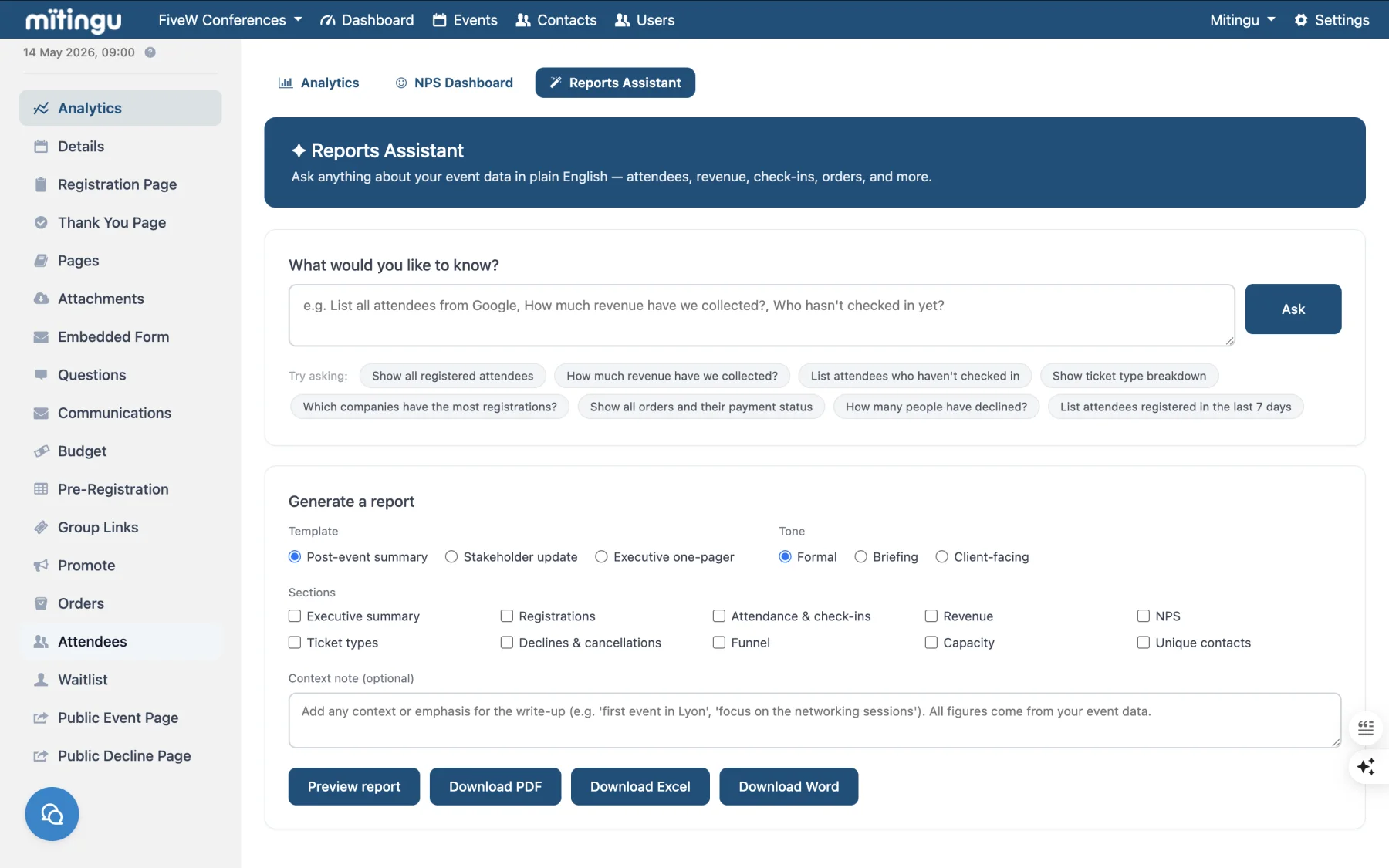
Short answer
Use dashboards, custom reports and Event Intelligence questions to see what worked, what did not and what should happen next.
Reporting questions
These are the questions teams ask when the spreadsheet has stopped being useful.
Compare registration, attendance and feedback across events and locations.
Understand attendee behaviour by event type, topic, office, region or segment.
Use evidence from past events to shape future programmes and communications.
Spot repeatable reports that should no longer be rebuilt by hand.
FAQ
Short answers to the questions teams usually ask before a demo.
Teams can report on registrations, attendance, feedback, engagement, event performance and regional or office-level trends.
Yes. Event dashboards and custom reports can focus on the data that matters for each event or programme.
AI helps teams ask questions of event data, generate summaries and identify patterns across topics, audiences, offices, regions and event outcomes.
Explore Event Intelligence
See how teams can understand registrations, attendance, feedback and performance.