It's 8.55am. The keynote starts at 9.15. Three hundred people have arrived in the same twelve minutes, because that's what people do, and the registration desk has two laptops, one badge printer and a colleague who has just discovered the lanyards are in a box in the car park.
Nobody remembers a smooth check-in. Everybody remembers a bad one, usually while standing in it. Self-service check-in, where attendees scan a QR code and print their own badge, is the obvious fix. It can be excellent. It can also be a row of expensive screens with a queue in front of each one. The difference is almost entirely in the planning.
Plan for the rush, not the headcount
The total number of attendees is the wrong number. What matters is how many people arrive in your busiest 20 or 30 minutes, which for a morning conference is usually the half hour before the first session.
Look at past events if you have the check-in times. If you don't, assume most people arrive late and close together, because they will. Then work out how many check-ins you need to handle in that window and how long one takes. Not the supplier's figure: yours, timed at rehearsal with a real phone, a real pass and someone who has never seen the booth before.
That gives you the number of booths. Add one more. A booth with a paper jam is just furniture.
Decide what the booths do (and what they don't)
Self-service works because it does one simple thing quickly: scan a pass, print a badge, move on. Every extra question on the screen ("Would you like to update your dietary requirements?") slows down everyone behind.
Send anything awkward to a staffed desk:
- walk-ins and people not on the list
- name changes and substitutions ("I'm here instead of Sarah")
- payment problems or unpaid invoices
- VIPs, speakers and anyone you'd rather greet in person
- anyone who'd simply rather speak to a human
That last group matters. Some attendees will never be comfortable with a kiosk, and some can't easily use one. Make sure at least one booth is at a height a wheelchair user can reach, and that the staffed desk is visible from the booths, so nobody has to ask where to go when the screen says no.
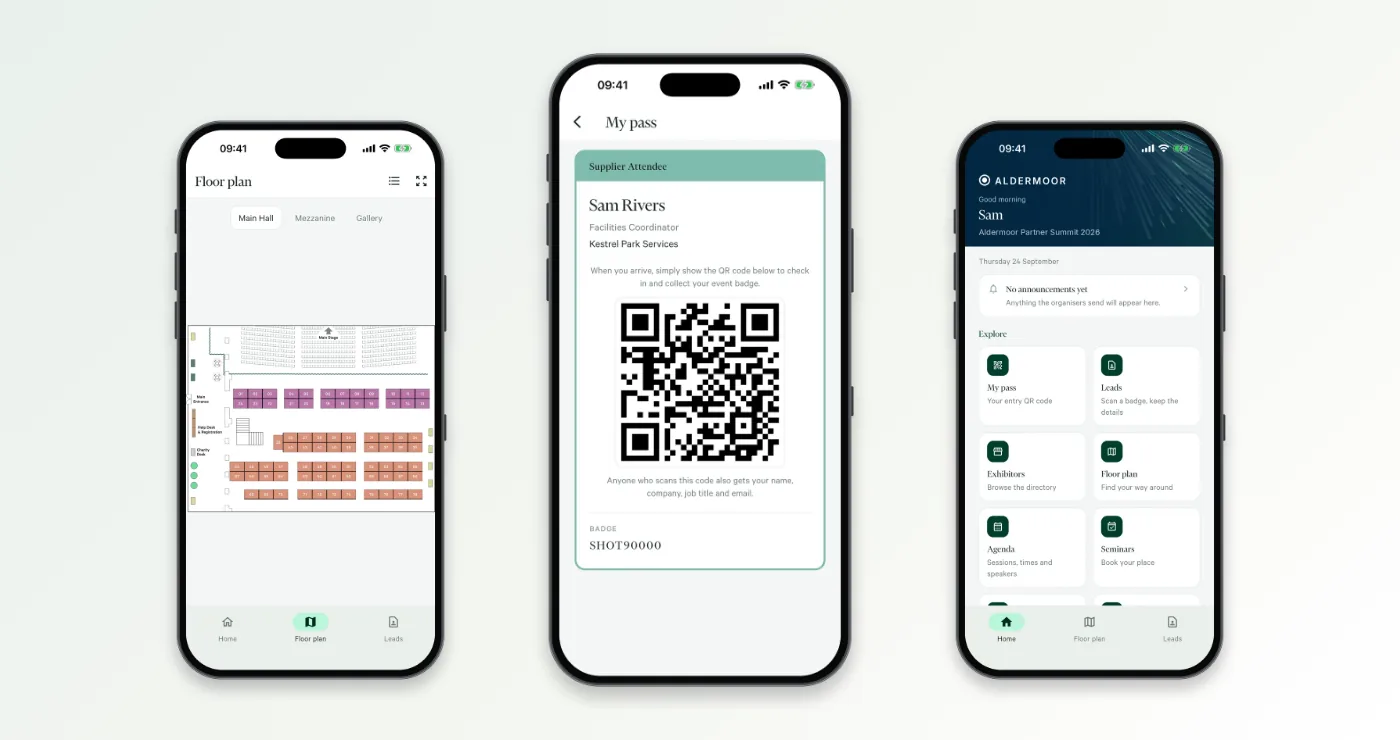
Make the QR pass easy to find
The slowest part of self-service check-in is rarely the scan. It's the attendee standing at the booth scrolling through their inbox for an email they received five weeks ago.
- Send the pass in the confirmation email and again in a reminder a day or two before.
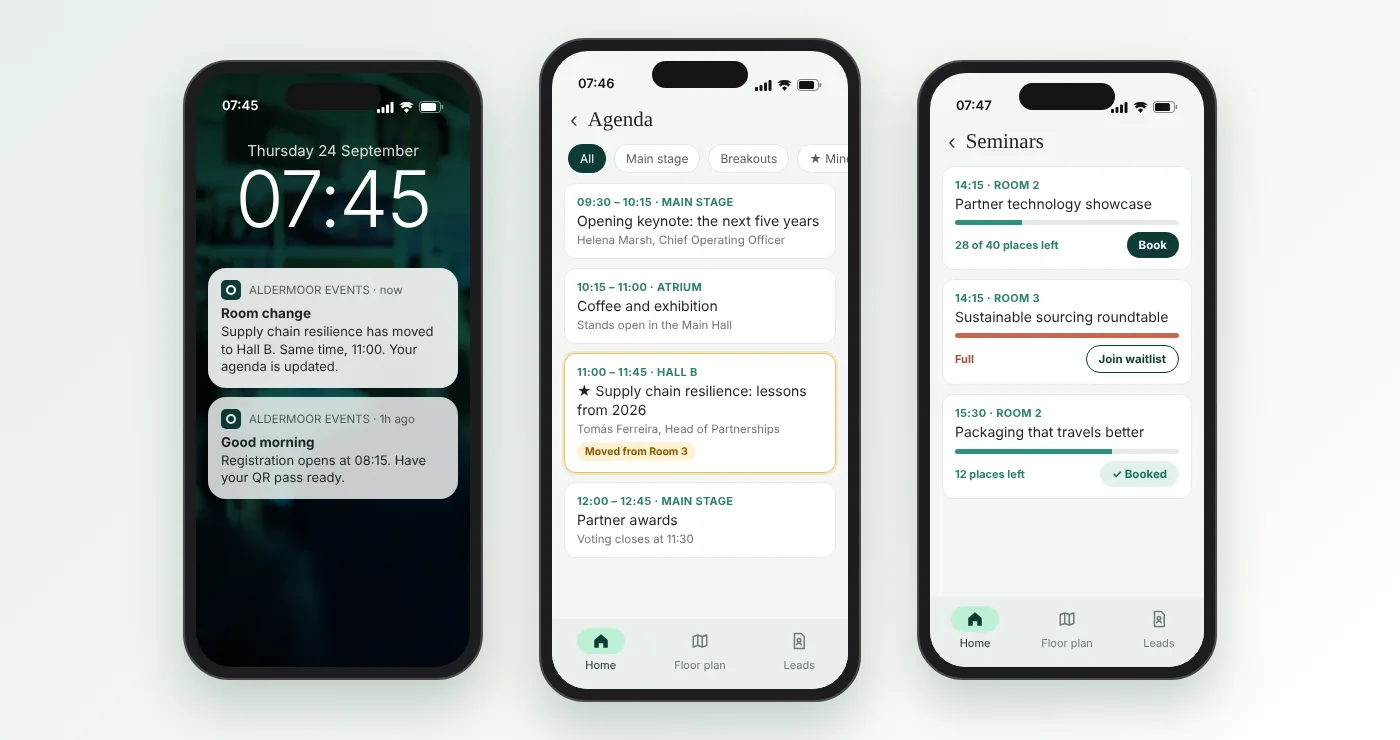
- If you have an event app, put the pass in the app, where it's one tap away.
- Put a line in the joining instructions: "Have your QR pass ready when you arrive."
- Put signs at the entrance saying the same, before people reach the booths, not on the booths.
- Have a way to find someone by name or email for the people who can't find their pass at all. That's the staffed desk's job.
Design the badge for real names
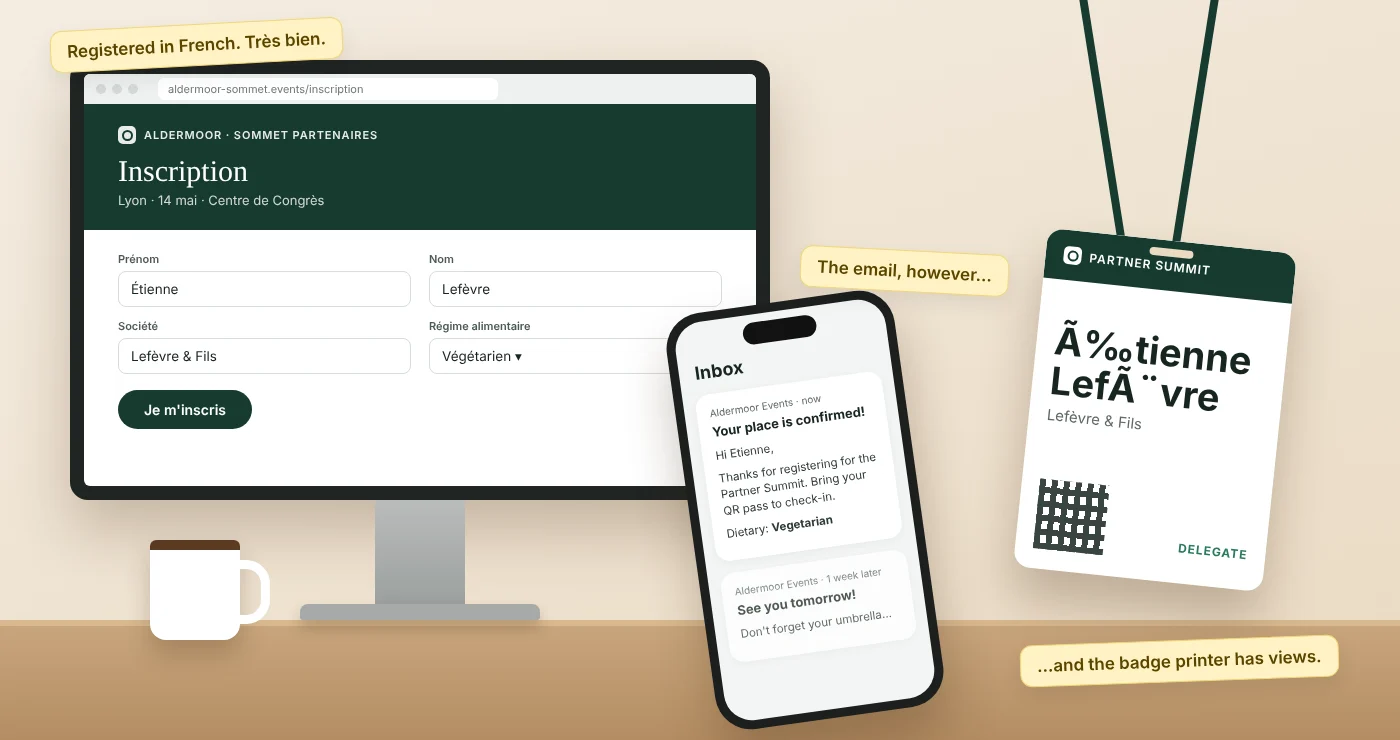
Badges are designed with "Jane Smith, Acme" as the sample. Your attendee list contains Maximilian Hohenberg-Fairweather, Head of Strategic Partnerships and Commercial Development (EMEA).
Before you sign off the design, print badges for:
- the longest first name and surname on your list
- the longest job title and company name
- names with accents and other characters (é, ø, ł, ş) and, if you have them, non-Latin scripts
- someone with only one name
Keep the first name large enough to read across a room. That's what the badge is for. Leave off anything people don't need to see: a badge is visible to everyone in the building, so it's not the place for phone numbers or dietary notes.
Keep one live list
The most common self-service problem isn't the hardware. It's the list. If the booths come from one supplier and registration from another, someone has to export the attendee list the night before and import it into the check-in system. Anyone who registers, cancels or changes their name after that export won't match on the day.
Whatever you use, check:
- Do the booths, the staffed desk and the app all work from the same attendee list, updated live?
- If someone is checked in at the desk, does the booth know (and vice versa)?
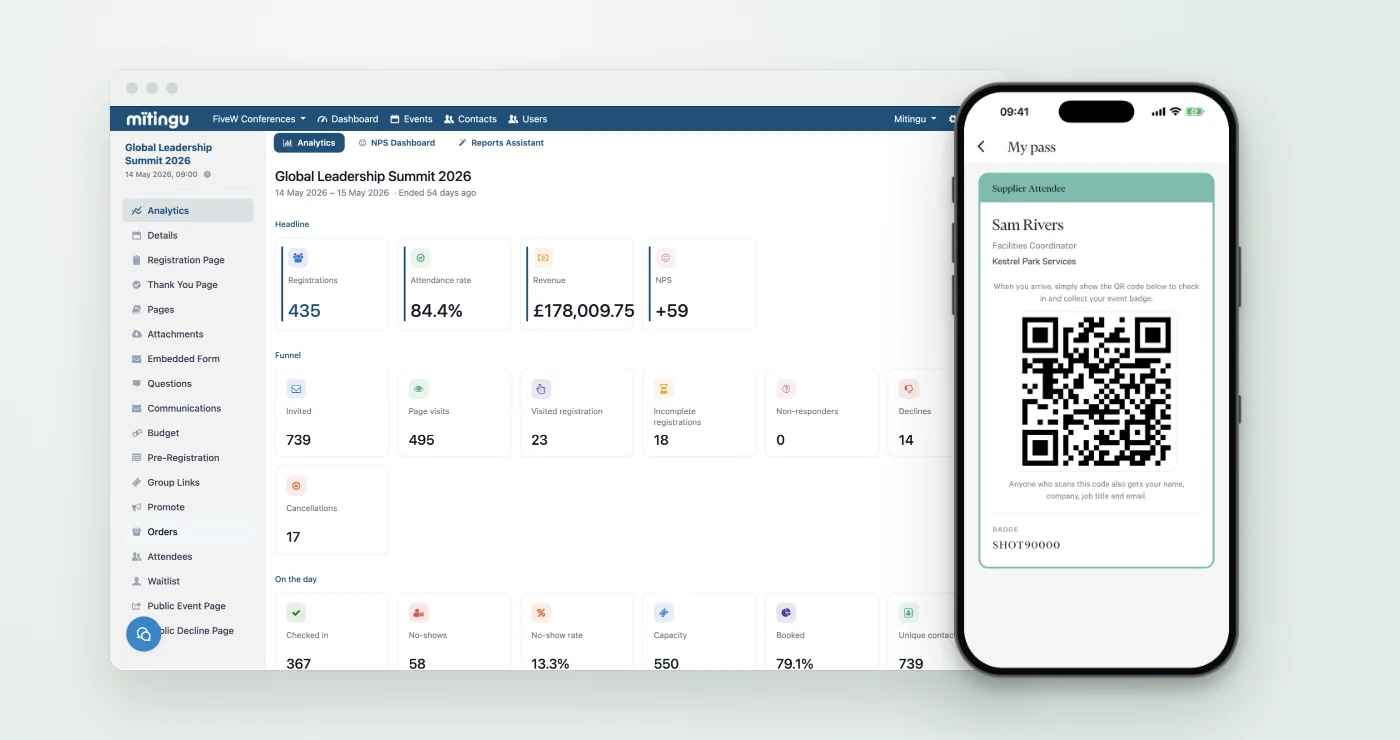
- Can you see, in one place, who has arrived and who hasn't, while the event is running?
That last one is more useful than it sounds. A live view tells you whether to hold the keynote for five minutes, which sponsors' guests haven't turned up, and who to chase for the afternoon sessions.
Plan for things going wrong
They will. Badge printers run out of stock, power strips get kicked out of the wall and venue wi-fi has opinions. Before the day:
- Ask the venue where the booths will be plugged in and how the network will be provided. A wired connection or a dedicated network beats the guest wi-fi.
- Know what happens if the connection drops. Can the booths keep working offline, or does everyone go to the desk?
- Ask what happens if the power goes. A booth with battery backup keeps going through a tripped fuse or a kicked-out plug; one without becomes a very expensive coat stand.
- Keep spare badge stock, lanyards and a pre-printed list somewhere you can reach in under a minute.
- Brief one person to watch the booths during the rush and do nothing else: clearing jams, guiding people, and sending the awkward cases to the desk.
We've written more about what to do when check-in goes wrong in the art of the backup plan.
Rehearse with strangers
Set the booths up the day before, or early on the day, and ask someone who hasn't been involved to check in: a venue colleague, a speaker who's arrived early, anyone. Watch them without helping. If they hesitate, the screen or the signage needs changing. Time it. Then do it again with a phone that has the brightness turned down, because that's what half your attendees will have.
A short checklist
- Estimate arrivals in your busiest 30 minutes, not your total.
- Time a real check-in and size the booths from that, plus one spare.
- Booths scan and print; everything else goes to a staffed desk.
- QR pass in the confirmation email, a reminder and the app.
- Print test badges for your longest and most unusual names.
- One live attendee list for booths, desk and app.
- Know what happens if the network drops.
- Rehearse with someone who's never seen the booths.
How Mitingu helps
Mitingu runs self-service registration booths and staffed desks on the same platform as your registration, emails and attendee app. Attendees scan the QR pass on their phone and print their badge at a booth, while your team handles everything else at the desk, and both work from the same live attendee list. The pass sits in the branded app, so nobody needs to dig through their inbox, and every check-in, at a booth or the desk, lands in one live view and in your event reporting. There's no list to export the night before and nothing to merge afterwards. And because venue wi-fi and power sockets are not always on your side, there's an offline option, plus a version of the booths with battery backup, so a dropped connection or a power cut doesn't stop people getting in. If you'd like to see it working, book a demo.