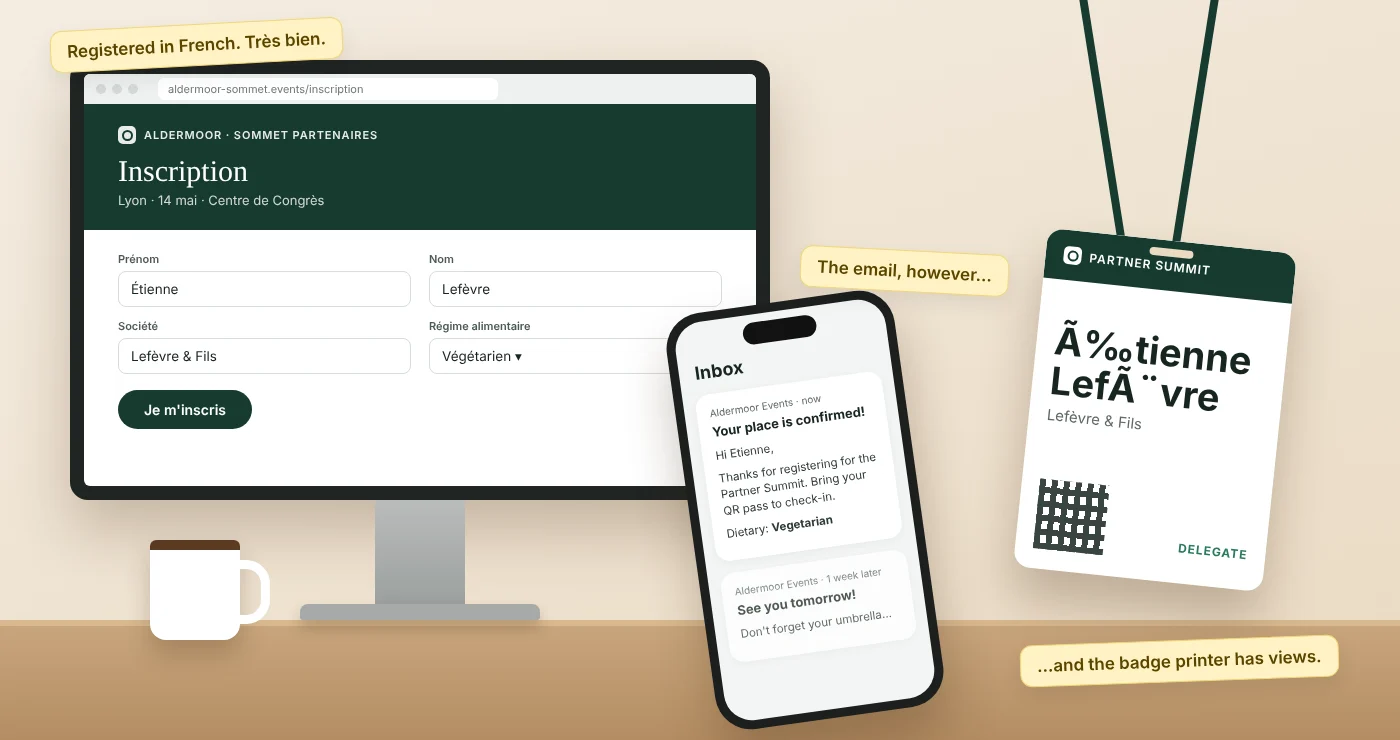
The keynote has interpreters booked. The signage is printed in three languages. The welcome drinks have been agreed by a committee that took longer than the Treaty of Rome. And then a delegate from Lyon registers in French, receives a confirmation email in English, a reminder in English, and turns up at a check-in desk where the screen asks him something he doesn't understand.
Most multilingual events are planned carefully at the venue and rather less carefully online. Registration is often the first thing a guest sees and the last thing anyone translates. Here's what to sort out, in roughly the order you'll need it.
1. Decide which languages, and why
Start with the guest list, not the map. "We're in Europe, so let's do every EU language" is how a project doubles in size before anyone has written a word.
Ask three questions:
- Which languages do your guests actually prefer to read? Many international business audiences are comfortable in English for the event itself but would rather register, and read practical details like dates, venues and dietary options, in their own language.
- Is any language legally or culturally expected? Events in Belgium, Switzerland, Canada or Wales, for instance, may be expected to appear in more than one language whatever the guest list looks like.
- Who will check the wording? Every language you add needs someone fluent to read it before it goes live. If you can't name that person, think twice about the language.
Two or three languages done well beat eight done badly. A clumsy translation of a cancellation policy is worse than a clear one in English.
2. Keep one event, not one event per language
The quickest way to run a multilingual event is to copy the English event and translate it. It is also the quickest way to end up with three guest lists, three capacity counts and three versions of the agenda that slowly drift apart.
Wherever you can, run one event with language versions of the same pages, forms and emails. That way:
- capacity limits apply across everyone, so a session can't be "full" in German and half empty in Spanish;
- your attendee list, check-in list and reports are in one place;
- a change to the agenda is made once and translated, rather than made three times by three people on three different days.
3. Let guests choose, then remember the choice
Guests should be able to pick their language at the start, and that choice should follow them. The most common failure is a form in the guest's language followed by everything else in the default one.
Check that the chosen language carries through to:
- the registration form, including error messages and the "required field" prompts people only see when they get something wrong;
- the confirmation email and any calendar invitation;
- reminders, updates and last-minute changes, which matter most when they're urgent;
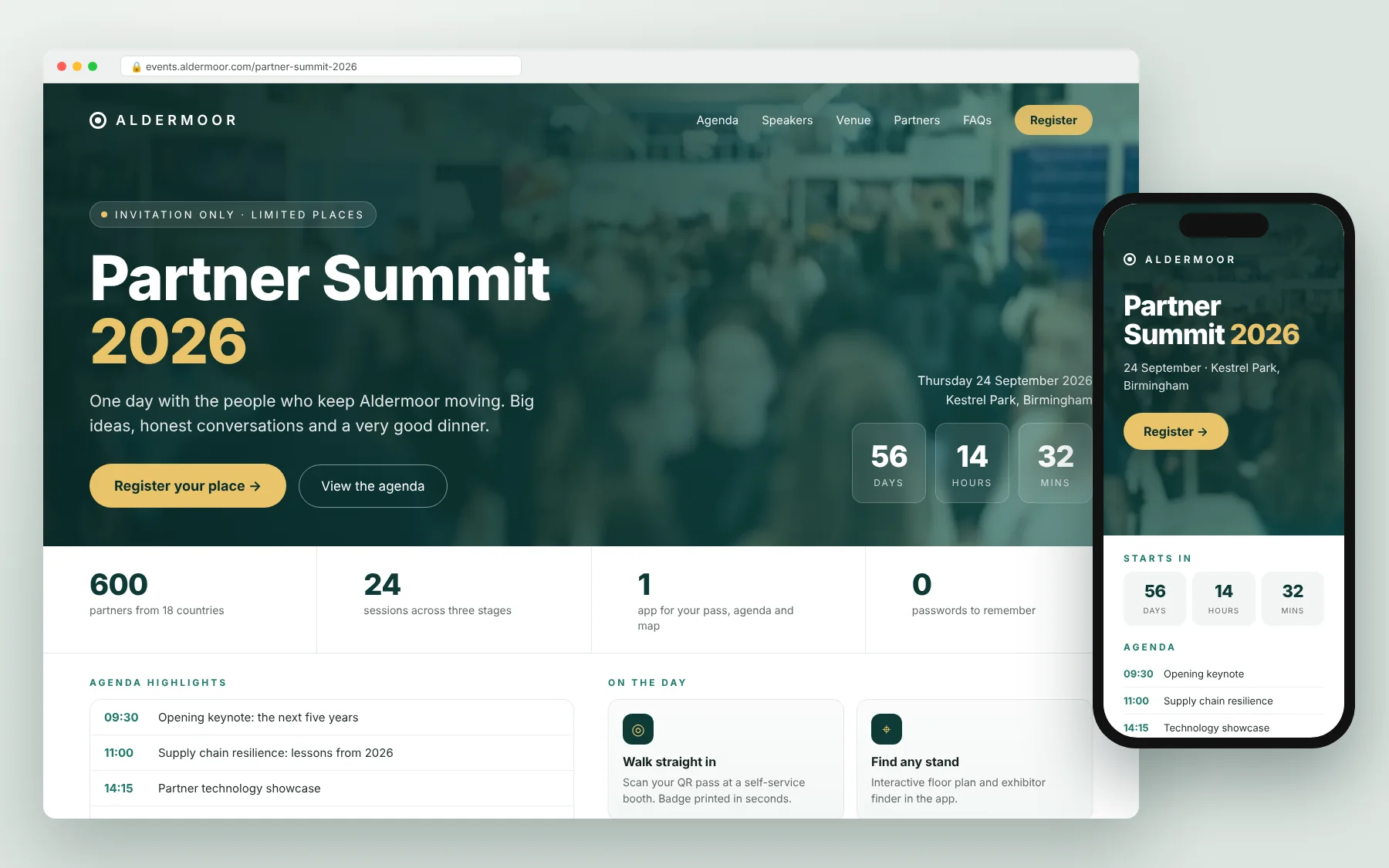
- the event website pages guests return to for the agenda, venue and travel details;
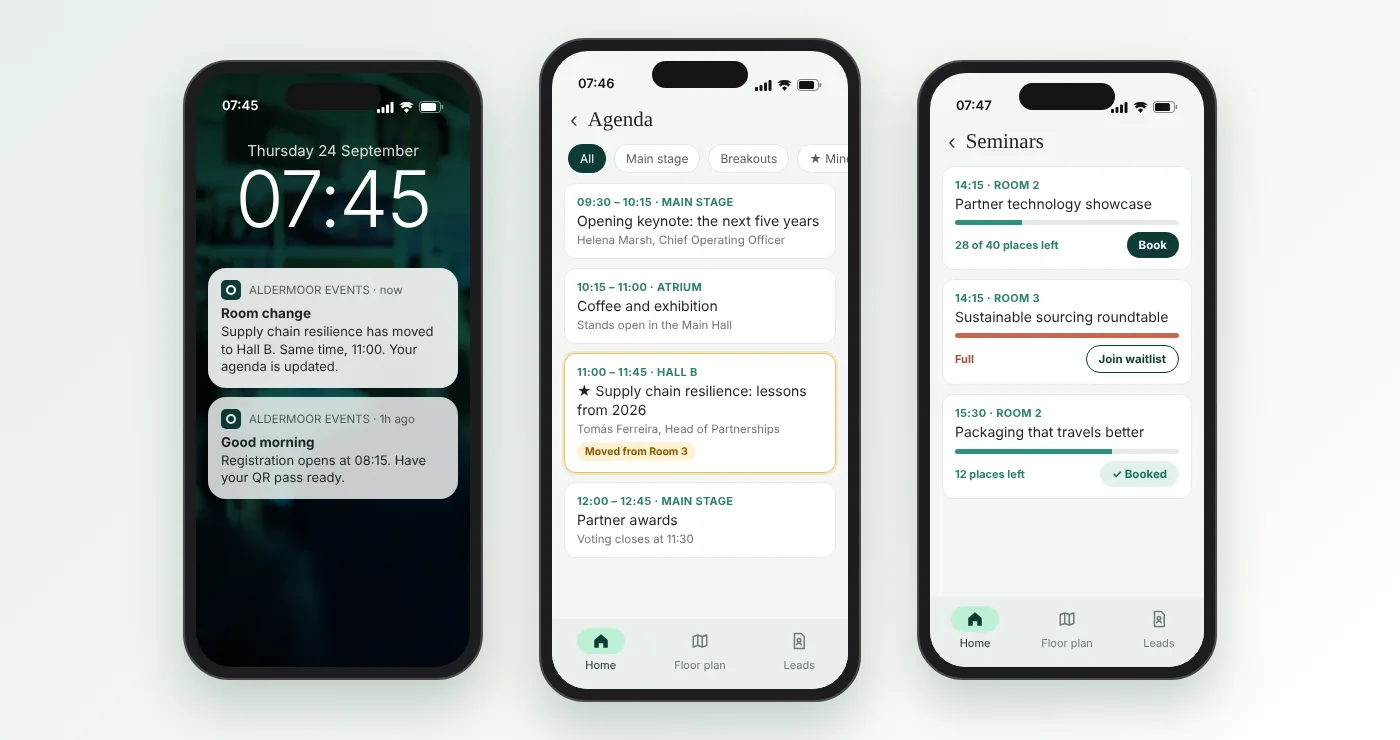
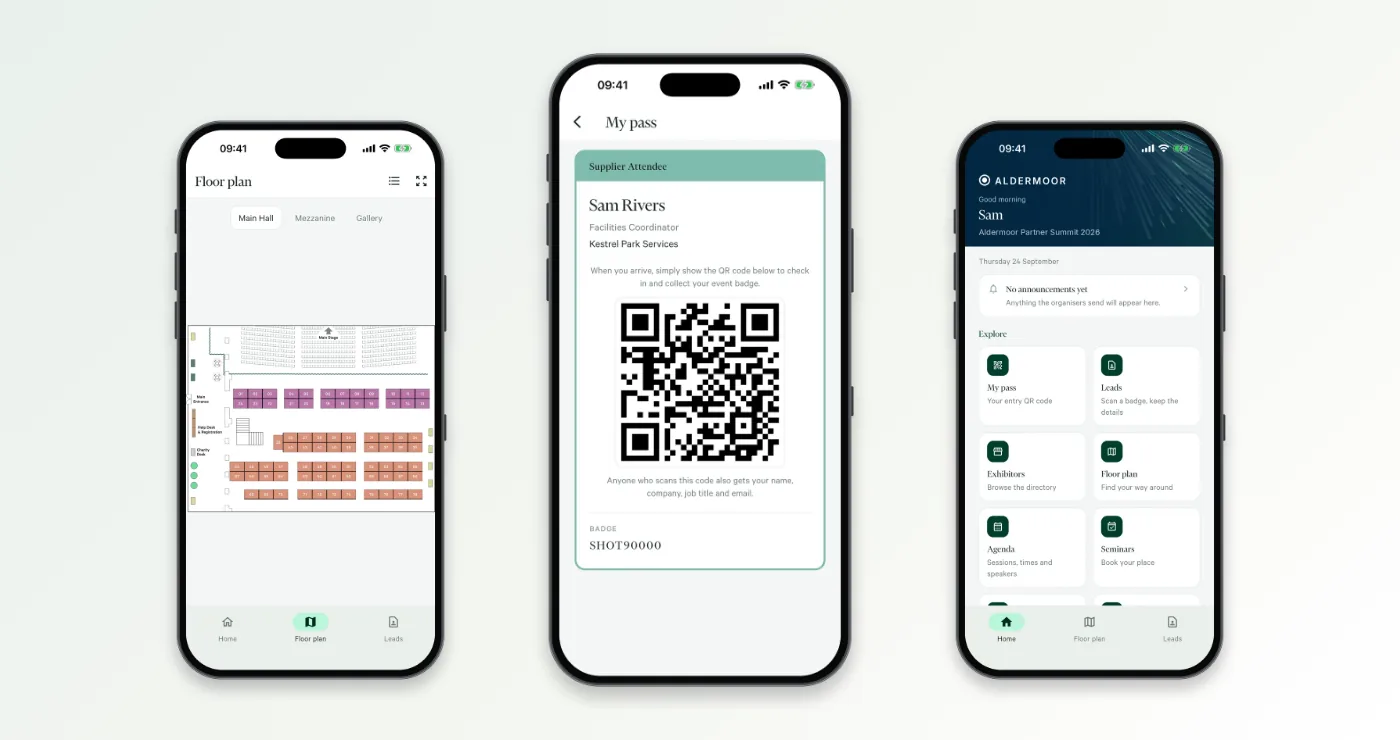
- the event app, if you use one;
- badges and check-in screens, if guests will check themselves in.
If you invite people from a list, it helps to store each guest's preferred language before you send the invitation, so the first email arrives in the right language rather than asking them to choose.
4. Translate the questions and the answers
Teams remember to translate "Dietary requirements". They forget to translate the drop-down underneath it. Go through every field and check:
- question text and help text;
- the options in drop-downs, tick-boxes and radio buttons;
- session and workshop names, if people pick sessions while registering;
- consent wording for data protection and marketing, which should be reviewed rather than just translated, because it needs to be accurate;
- payment, cancellation and refund wording;
- the text on buttons ("Register", "Next", "Confirm").
One useful trick: keep the answers themselves consistent behind the scenes. If someone picks "Végétarien" and someone else picks "Vegetarian", your catering report should count them together. Good registration software stores the answer once and shows it in each language; spreadsheets assembled by hand usually don't.
5. Watch out for names, addresses, dates and money
Multilingual is not only about words.
- Names: allow accented characters and longer names, and test that they print properly on badges. A badge that turns "Müller" into "Müller" is a poor start to anyone's day.
- Addresses and phone numbers: don't force a UK postcode or a US state on someone from Portugal.
- Dates and times: 03/04 means different things on either side of the Atlantic. Write the month as a word, and state the time zone if guests are travelling or joining remotely.
- Prices and payments: say which currency you're charging in, and whether VAT or other taxes are included.
6. Right-to-left languages: check the layout, not just the words
Arabic, Hebrew, Persian and Urdu read from right to left, so the page has to flip, not just the words. A template built for English can look fine with Arabic dropped in, right up until a guest in Riyadh or Tel Aviv finds the labels on the wrong side of the boxes, "Next" where "Back" should be, and full stops wandering to the start of the sentence.
Check that:
- the whole layout mirrors: text right-aligned, labels to the right of their fields, progress steps running right to left, "Back" and "Next" swapped. Some templates only right-align the text and call it done;
- mixed text behaves: email addresses, web addresses, English company names and phone numbers inside right-to-left sentences can scatter punctuation and brackets. Have a native reader check these lines, especially in emails;
- numbers and dates read correctly, and you've decided whether to use Western (0123) or Eastern Arabic (٠١٢٣) numerals;
- form fields type the right way: names from the right, while email and phone fields stay left to right;
- names print properly on badges, and you've decided whether badges show the original script, Latin letters or both;
- fonts include the script, on pages, emails, the app and the badge printer, or you'll get substitutes or empty boxes;
- emails survive the inbox: open test emails in Outlook, Gmail and on a phone, which handle right-to-left less reliably than browsers;
- arrows point the right way, and no images have English text baked in.
The simplest test: ask a native reader to register on their phone without being shown how. If they pause, frown or turn the phone sideways, something needs fixing.
7. Plan your emails as a set
Most events send more emails than anyone remembers: invitation, confirmation, reminders, joining instructions, updates, thank-you, survey. List them all before you start and give each translation an owner.
Last-minute updates are where multilingual events most often slip. If the venue changes room at 7am, someone has to send that change in every language, quickly. Agree in advance who does that and have the translations ready for the likely changes (room moves, delays, transport) so you're not translating under pressure.
8. Test the whole journey in each language
Before you open registration, register yourself in each language, using a colleague who reads it if you don't. For right-to-left languages, do at least one test on a phone, where layout problems are most obvious. Go through the full journey:
- Open the invitation.
- Register, deliberately getting a field wrong to see the error message.
- Check the confirmation email and calendar invite.
- Change or cancel the booking.
- Open the event pages and the app.
- Check in, if guests will use a self-service booth or kiosk.
It takes an afternoon. It saves a great many apologetic emails.
9. On the day: the check-in desk
Some guests will still need help. Brief staff on which languages to expect, put language skills on the rota where you can, and make sure staff can find any guest quickly, whatever script their name is in. If you're using self-service check-in, a simple screen with clear choices beats a clever one with lots of text to translate.
A quick checklist
- Languages chosen from the guest list, each with a named reviewer
- One event and one guest list, with language versions
- Language choice carried through form, emails, event pages, app and check-in
- Questions, answers, consent text and buttons translated
- Names, addresses, dates and currency handled properly
- Right-to-left languages checked by a native reader: layout mirrored, mixed text, numbers, fonts, emails and badges
- Every email listed and translated, with a plan for last-minute updates
- Full test in each language before launch
- Check-in staff briefed
How Mitingu helps
Mitingu is a white-label event registration and event operations platform used by corporate event teams and event agencies. It's built and supported in the UK and used for events anywhere. Mitingu can run an event in more than one language, including the registration forms, event emails, event website pages and the attendee app, alongside onsite check-in, lead capture and reporting. Because Mitingu's event templates are flexible, they can also be set up for right-to-left languages such as Arabic and Hebrew. If you're planning an event in more than one language and want to see how that would work for yours, book a demo.