Nobody goes into events because they love spreadsheets.
And yet if you run events for an agency, I'd bet a fair amount of your week goes on things that have nothing to do with the event itself: copying a client's details from one system to another, rebuilding a registration form you've already built three times this year, or chasing the one person who knows the password for last spring's account. You're running a pharmaceutical client's sales conference, a law firm's partner retreat and a charity gala in the same quarter, each with its own brand, its own sign-off chain and its own definition of "just a small change". The events are hard enough. The tools shouldn't add to it.
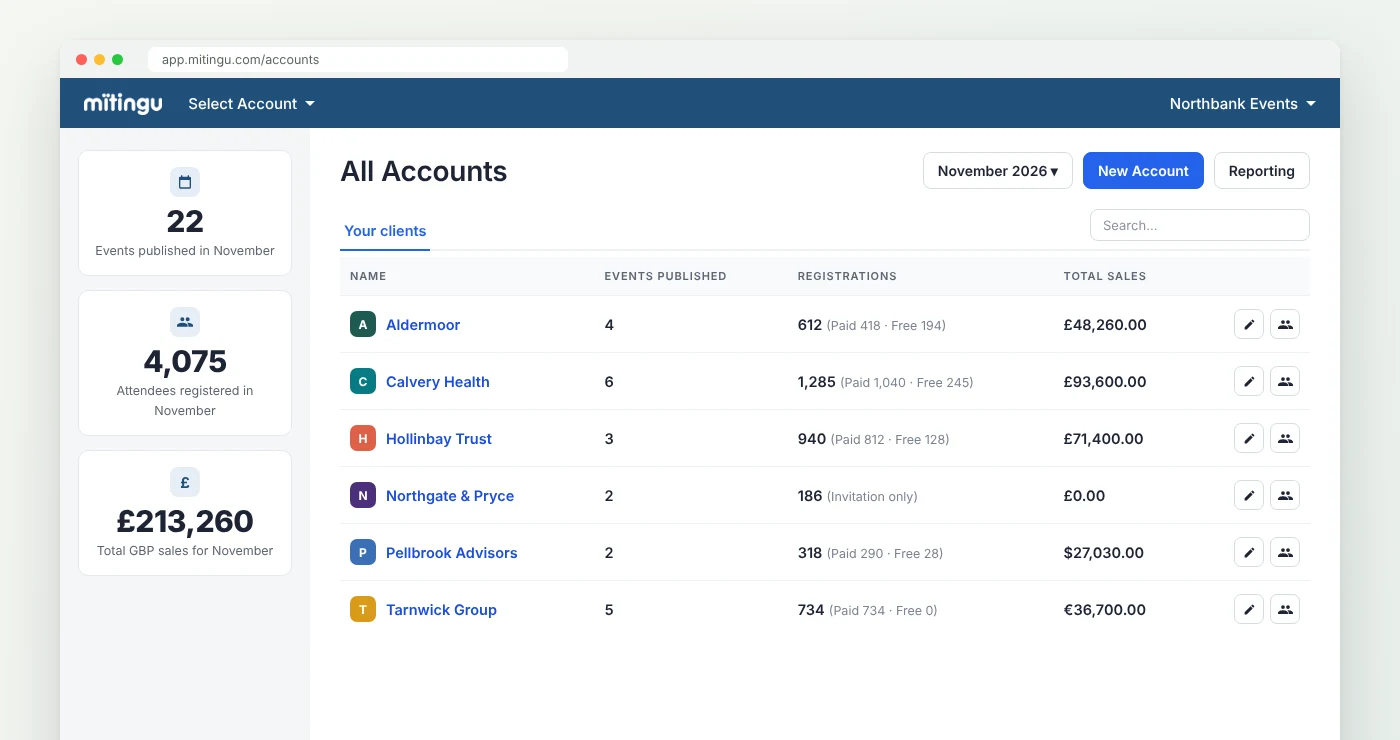
Most event registration software is built for one organisation running its own events, and agencies get bolted on afterwards. You tend to find that out slowly, one extra login and one rebuilt template at a time, until the margin on an account has quietly turned into evenings nobody bills for. So here's what I'd ask before putting every client on one system.
1. Whose brand does everyone see?
"White label" is one of those phrases that means whatever the person selling it needs it to mean. For some suppliers it means you can upload a logo to the registration page. For an agency, that's where it starts, not where it ends.
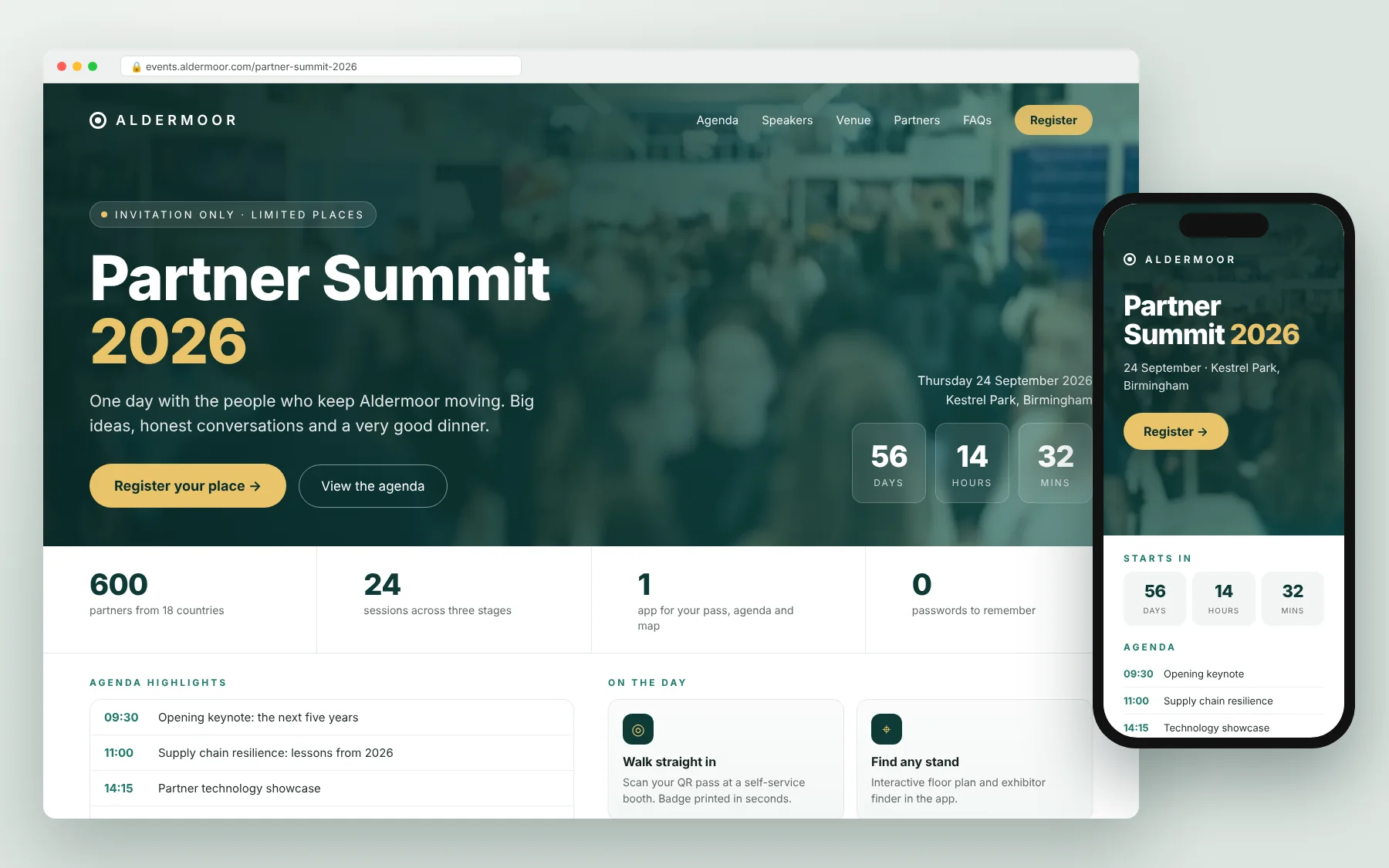
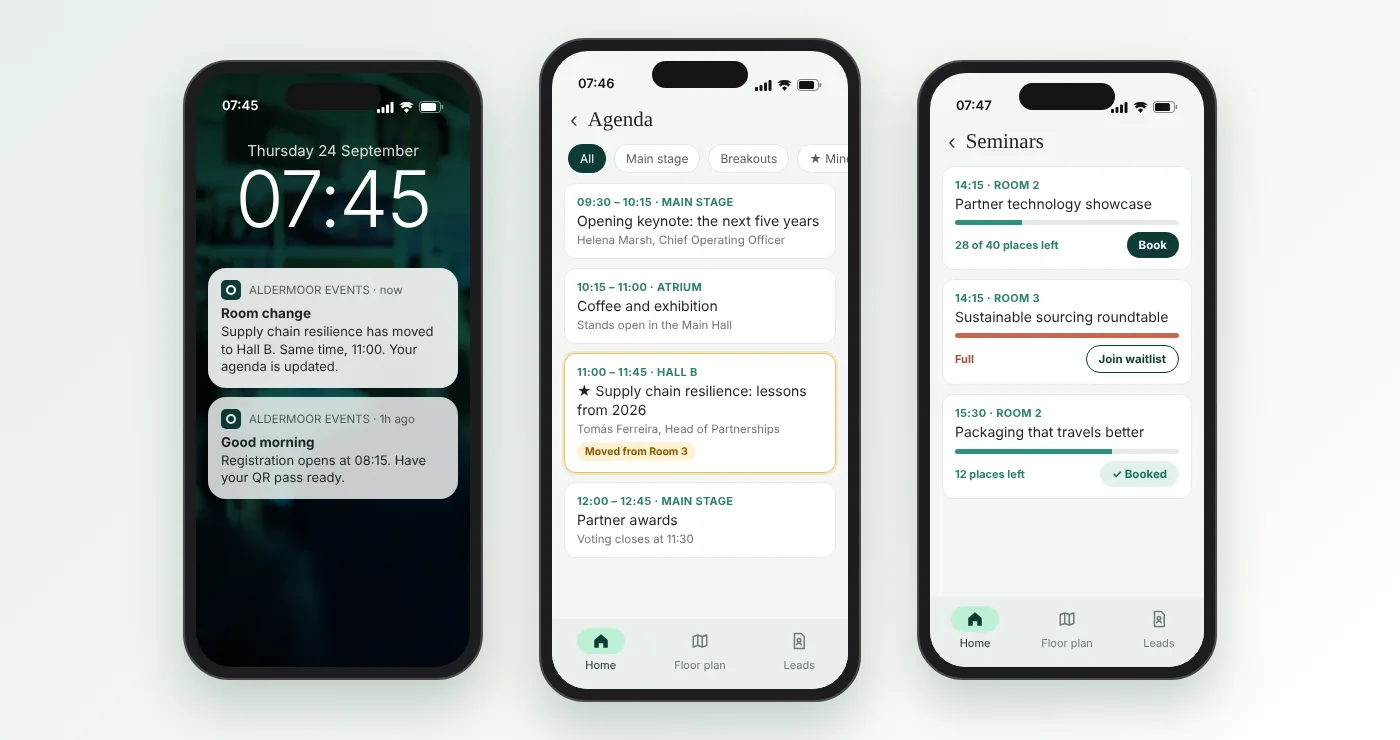
The best test I know is to walk through the event as each person who touches it. As the attendee: the event website, the form, the confirmation email, the reminders, the joining instructions, the app on their phone and the badge on their lanyard. Is the software company's name anywhere on any of it? As the client: when they log in to watch registrations climb, do they see their own brand, yours, or ours? And as your own team: can they tell at a glance which client they're working in? Sending the law firm's reminder in the charity's colours is the kind of mistake you only make once, but once is plenty, and it's never the software that has to apologise.
Ask the supplier to show you a real, finished event rather than a demo account. Demo accounts are always beautifully branded.
2. Are your clients properly kept apart?
This is the question agencies often don't ask until a client's procurement or information security team asks it for them, usually in a forty-question spreadsheet with a deadline of Friday.
Does each client have its own account, with its own attendees, emails and files? Can you give a freelancer, or the client's own team, access to one event without them seeing anything else? Can you, as the person juggling all of it, still see across every client when you need to plan the month? And when a client moves on, can you hand over or remove their data cleanly?
It's far easier to fill in that questionnaire when the honest answer is "each client has its own account with its own permissions" than when it's "well, technically they're all in one big list".
3. Can you reuse what already works?
The first event for a client is rarely the expensive one. It's the tenth, the one that looks almost exactly like the first, being built again from scratch because nobody can find the version that worked.
Look for templates you can save from a successful event (the site, the form, the emails, the timings) and start the next one from. Even better, a starting point per client, so their third regional roadshow opens with their brand, their usual questions and their approved email wording already in place, rather than you trawling your sent items for the wording legal signed off in March. And for the events that don't fit any template, which is most of the interesting ones, some platforms can now draft a first version of the site, registration and emails from a plain description, so you're editing something rather than staring at a blank screen.
My favourite question for any supplier: how long does it take to launch a second event for an existing client? Then ask how long the first one takes. The gap tells you a lot.
4. Would you actually send the report?
At the end of every event, someone asks "so, how did it go?" The answer usually lives in four places: registrations in one system, attendance on the check-in desk's laptop, app activity somewhere else and feedback in a survey tool. Pulling those together into something presentable is a job that tends to happen late at night, by the same person who was on site at 6am.
So check whether you can see registrations, attendance, emails, app use and feedback for one event in one place, and produce a report you'd be happy to send the client as it is. Then check whether you can look across all your clients, because that's where your own pitch lives. "Across the events we ran this year, reminders sent on a Tuesday did better" is a far stronger line in a new-business meeting than "we're very experienced".
5. What happens on the day?
Event software gets judged at 8.55am on the day, not in the demo.
Does check-in (self-service booths, a staffed desk, the app) run from the same live list as registration, or is there an export the night before and a prayer? If the client's MD walks in unregistered with three guests, how quickly can the desk sort it without anyone looking flustered? And when something goes wrong, who do you ring, and do they answer?
For an agency that last one is commercial, not technical. Your client won't remember whose software it was. They'll remember that it was your team standing in front of the queue.
6. And can it bend?
The question we hear more than any other from agencies is "can it do this?", followed closely by "and if it can't, can you add it?" That's because clients rarely want exactly what the last client wanted. A recent agency came to us precisely because their existing supplier couldn't make the platform flexible enough for what their client needed. We could, and we put it in place straight away, which mattered more to them than any feature list.
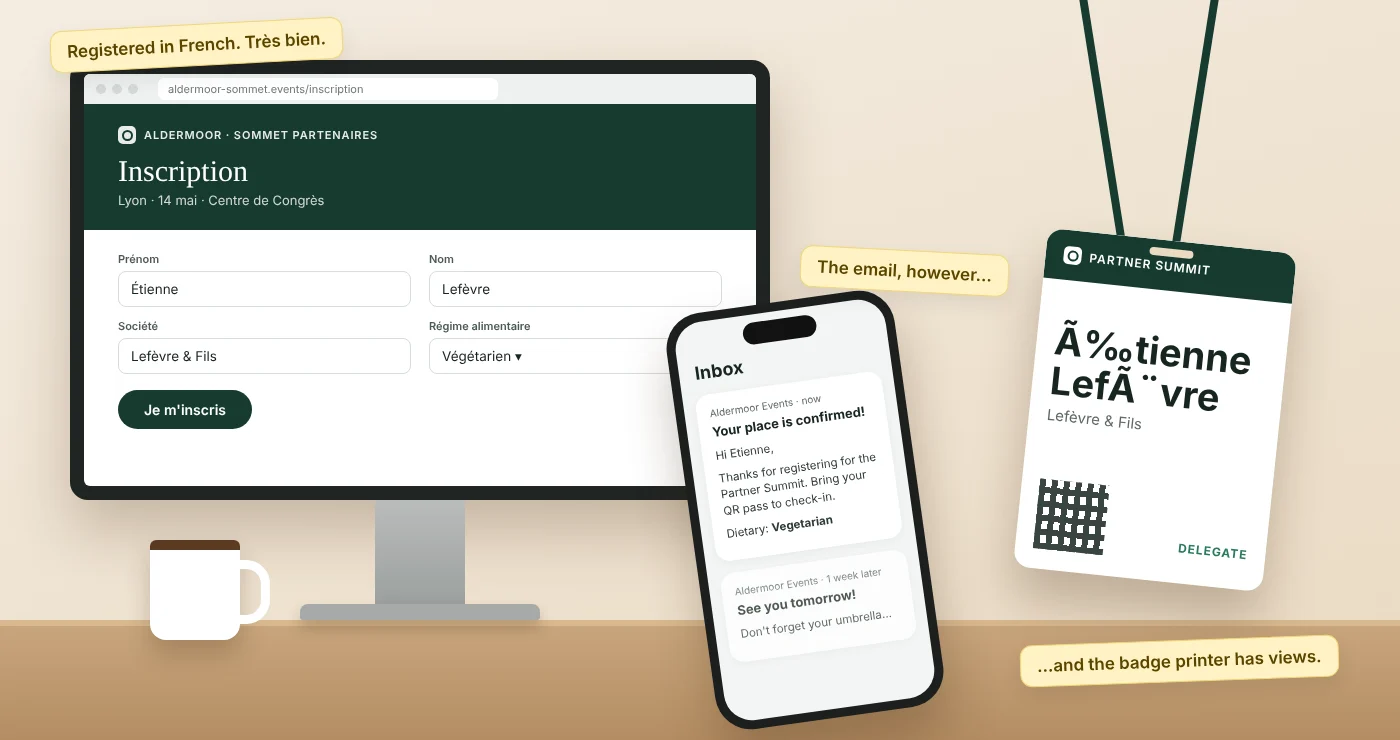
So when a client asks for something the platform doesn't do, find out whether the answer will be "no", "it's on the roadmap" or "let's talk about it". While you're at it, ask about pricing (per event, per attendee, per client or a subscription, and can you pass it through cleanly), how quickly a new freelancer could launch an event on their own, and whether forms, emails and event pages can run in other languages if your clients work across borders. We've written about multilingual event registration separately.
A short checklist to take into demos
- Walk through the event as attendee, client and team member, and look for the supplier's brand.
- A separate account per client, with permissions for freelancers and client teams.
- Templates you can save and reuse per client.
- Registrations, attendance, app use and feedback in one place, with a report you'd actually send.
- Check-in on the same live list as registration.
- A named person to ring on event day.
- Ask how long the second event for a client takes to launch.
- Ask what happens when a client wants something the platform doesn't do yet.
How Mitingu helps
We built Mitingu for corporate event teams and agencies, so running lots of clients from one place is the starting point, not an add-on. Each client gets its own account, with their branding and their team kept apart from everyone else's, while you keep the view across all of them. Event sites, registration, emails, the admin area, reports and the attendee app on iOS and Android can all carry your client's brand rather than ours. Reusable templates and the AI Event Builder, which drafts the branded site, registration and emails from a plain-English description, mean the next event starts from something that already works. Check-in booths and staffed desks run on the same live list as registration, and you can report across every client as well as give each client clear reports of their own. And when a client asks for something we don't do yet, we'd rather talk about building it than tell you no. If you'd like to see how it would work for your clients, book a demo.