The spreadsheet that arrives three weeks later
You know how this goes. A sponsor or exhibitor spends a fair sum on a stand, two people spend two days on their feet, and a scanner or app collects a few hundred badge scans. Everyone feels busy. Then the event ends, the scans are exported into a spreadsheet, the spreadsheet is emailed to someone in sales, and the someone in sales opens it, sees 400 names with job titles and no context, and quietly closes it again.
Three weeks later a marketing manager asks what the event delivered, and the honest answer is "a list".
The scanning wasn't the problem. Scanning a badge is the easy bit. The problem is that a scan on its own tells you that two people stood near each other. It doesn't tell you whether the visitor wanted a quote, wandered over for the free coffee, or was a competitor having a look.
If you run events with exhibitors or sponsors, this is your problem as much as theirs. Exhibitors who can't show a return don't rebook, and "it felt busy" is not a renewal argument.
Decide what a good lead is before the event
The single most useful thing an exhibitor can do happens weeks before the event: agree, with sales, what makes a lead worth chasing.
Keep it short. Three levels is plenty:
- Hot: a real need, a timescale and someone who can make or influence the decision. Follow up within a day or two.
- Warm: interested, but early, or not the decision-maker. Worth a proper follow-up and a place in the nurture emails.
- Cold: a pleasant chat, a student, a supplier, someone collecting pens. Thank them, and move on.
Write down what each level means for your business, in a sentence, and make sure everyone on the stand has read it. If two people on the same stand have different ideas of "hot", your scoring is just a mood ring.
As an organiser, you can help by sending exhibitors a short pre-event note on how lead capture works at your event and suggesting they do exactly this. It costs you an email and makes your event look better afterwards.
Capture the context, not just the contact
A scan gives you a name, a company and, depending on what you collected at registration, a job title. What sales actually needs is the bit only the person on the stand knows:
- what the visitor asked about
- whether they mentioned a project, a budget or a date
- what they were promised ("I'll send the case study", "we'll book a demo")
The trick is making this quick enough that people actually do it. Nobody types a paragraph on a phone while the next visitor is waiting. A score and a few words is realistic; a form with twelve fields is not. If your lead capture tool lets you set the score at the moment of scanning, you've already done the most valuable part of qualifying the lead.
A practical habit: at quiet moments, the stand team spends five minutes adding notes to the hot leads from the last hour while they're still fresh. By the afternoon of day two, nobody will remember which "Sarah from the bank" wanted pricing.
Make scanning easy for visitors as well as exhibitors
Lead capture only works if every visitor has something to scan and the scan is quick. That comes down to decisions made at registration:
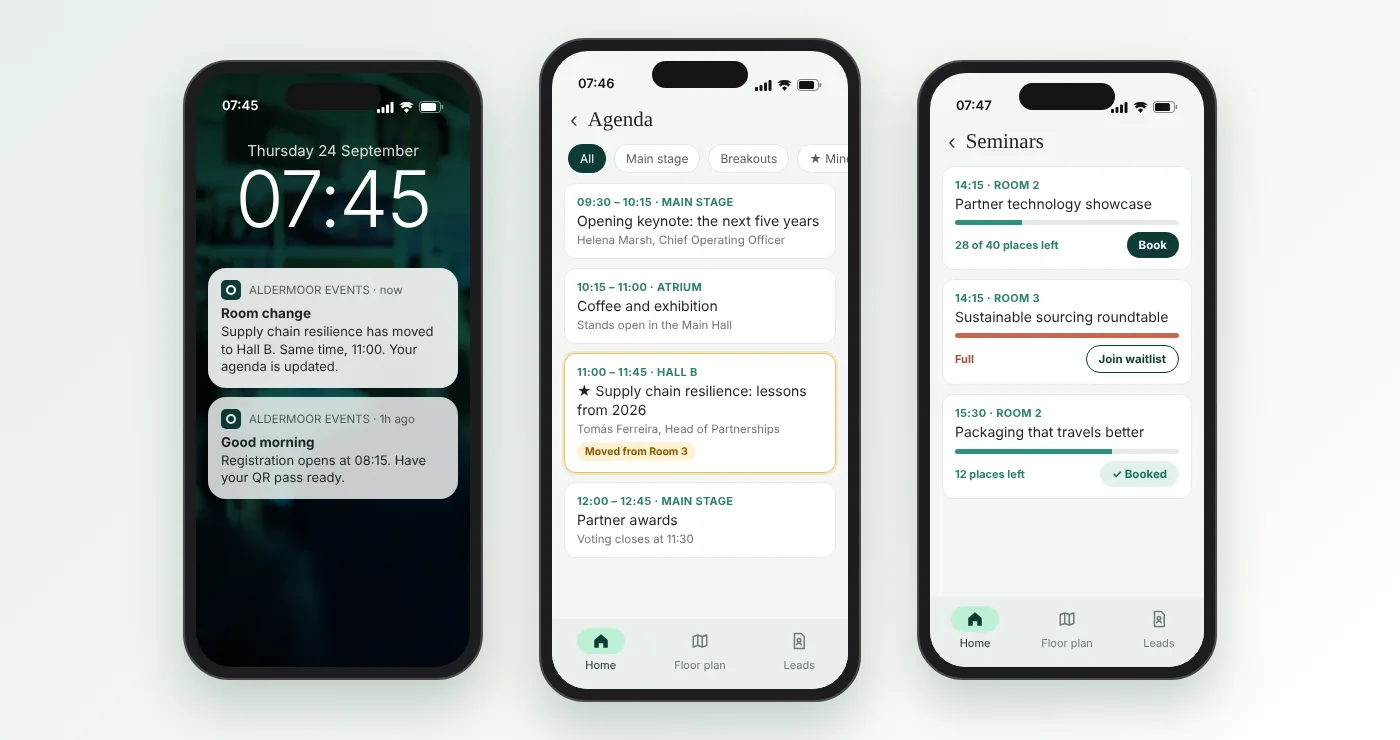
- One pass, used everywhere. If attendees get a QR pass when they register, and the same pass gets them through check-in, into seminars and onto exhibitor scanners, they'll have it ready. If the badge, the app and the lead scanner all use different codes, someone will be stood at a stand trying to find the right one.
- Ask the right questions at registration. Exhibitors care about job role, organisation and sometimes sector or region. Collect what's genuinely useful, tell attendees why, and stop there. Long forms cost you registrations.
- Be clear about consent. Data protection rules vary by country, and they matter here. Attendees should know at registration that exhibitors may scan their pass and what that means. Being scanned at a stand should be a choice, not a surprise.
Score at the stand, not in the spreadsheet
Scoring leads after the event sounds sensible and almost never happens. The people who had the conversations have gone back to their day jobs, the context has gone, and the spreadsheet gets sorted by company size because that's the only column left that means anything.
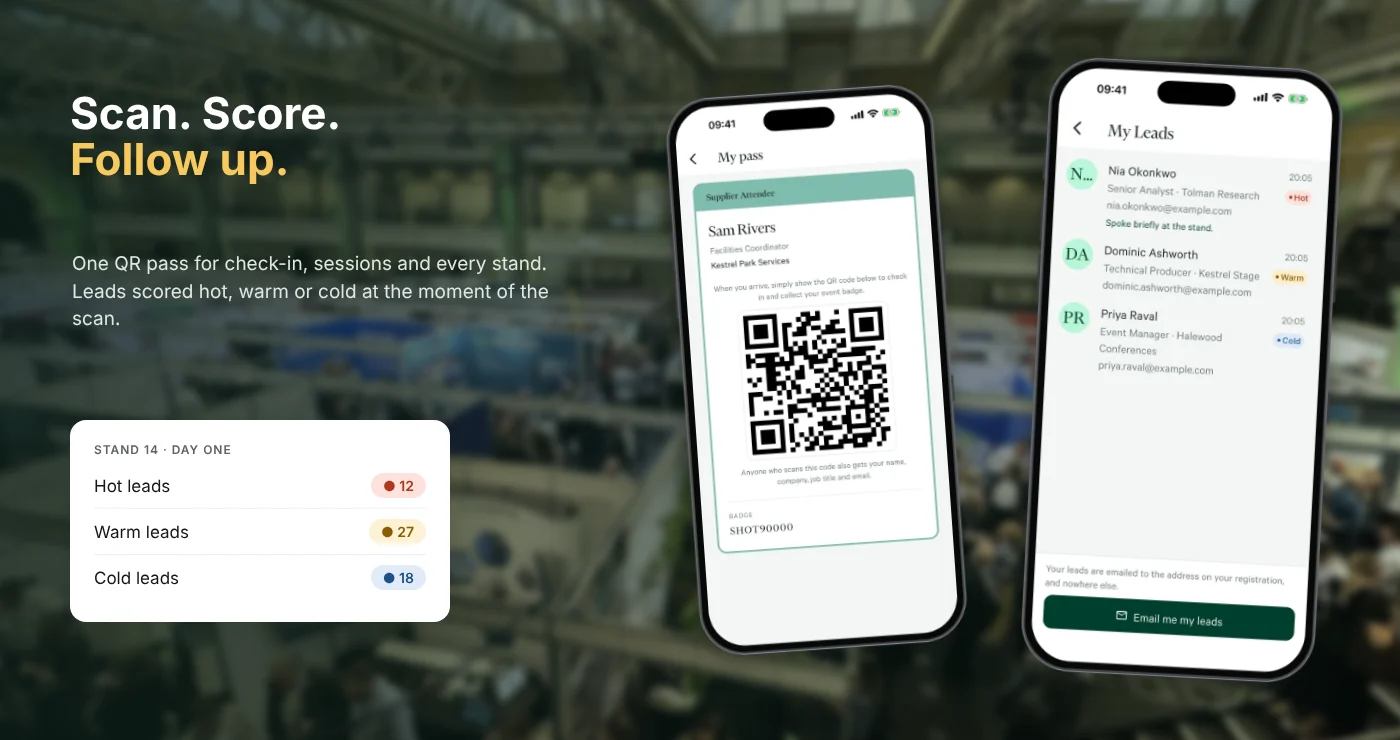
Scoring as you scan fixes this. The person who just had the conversation decides hot, warm or cold on the spot, taking about two seconds. When the event ends, the list is already in priority order, and the hot leads can go to sales that evening rather than at the end of the month.
Follow up while they still remember you
Speed matters more than polish. A short, personal follow-up within a day or two of the event ("good to meet you at the stand on Tuesday; here's the case study I mentioned") beats a beautifully designed campaign three weeks later.
A simple rule that works:
- Hot leads: a personal email or call from the person who met them, within two working days.
- Warm leads: a useful follow-up within a week, then into regular marketing.
- Cold leads: a polite thank-you, if anything.
Agree who owns each lead before the event, not after. "Someone will pick these up" means no one will.
Report on outcomes, not footfall
When exhibitors ask organisers "how did it go?", footfall and scan counts are the easy answer. They're also the least useful. Better questions to report on, for exhibitors and for your own planning:
- How many leads were scored hot, warm and cold?
- Which sessions or days produced the most hot leads?
- How many hot leads were followed up, and how quickly?
- Did any turn into meetings, demos or proposals?
The last two need the exhibitor to tell you, but asking the question shows you care about their results, and their answers give you something concrete for next year's sponsorship conversations. "Your stand met 31 people your team rated as hot" is a much easier rebooking conversation than "we had 2,000 attendees".
Questions to ask a lead capture supplier
If you're choosing an event app or platform with lead capture, these questions sort the useful from the decorative:
- Can exhibitors score a lead (hot, warm, cold or similar) at the moment they scan it?
- Can they add a short note to a lead, and is it quick enough to do at a busy stand?
- Does the scanner read the same pass attendees use for check-in and the app?
- Is lead data part of the same attendee record as registration, or a separate system you'll need to match up later?
- What reporting do organisers and exhibitors get, and when: live during the event, or after it?
- How do exhibitors get their leads afterwards, and in what form?
- What happens if the venue Wi-Fi is poor?
- How is consent handled, and what does the attendee see?
Get answers in writing, and ask to see it working rather than a slide.
How Mitingu helps
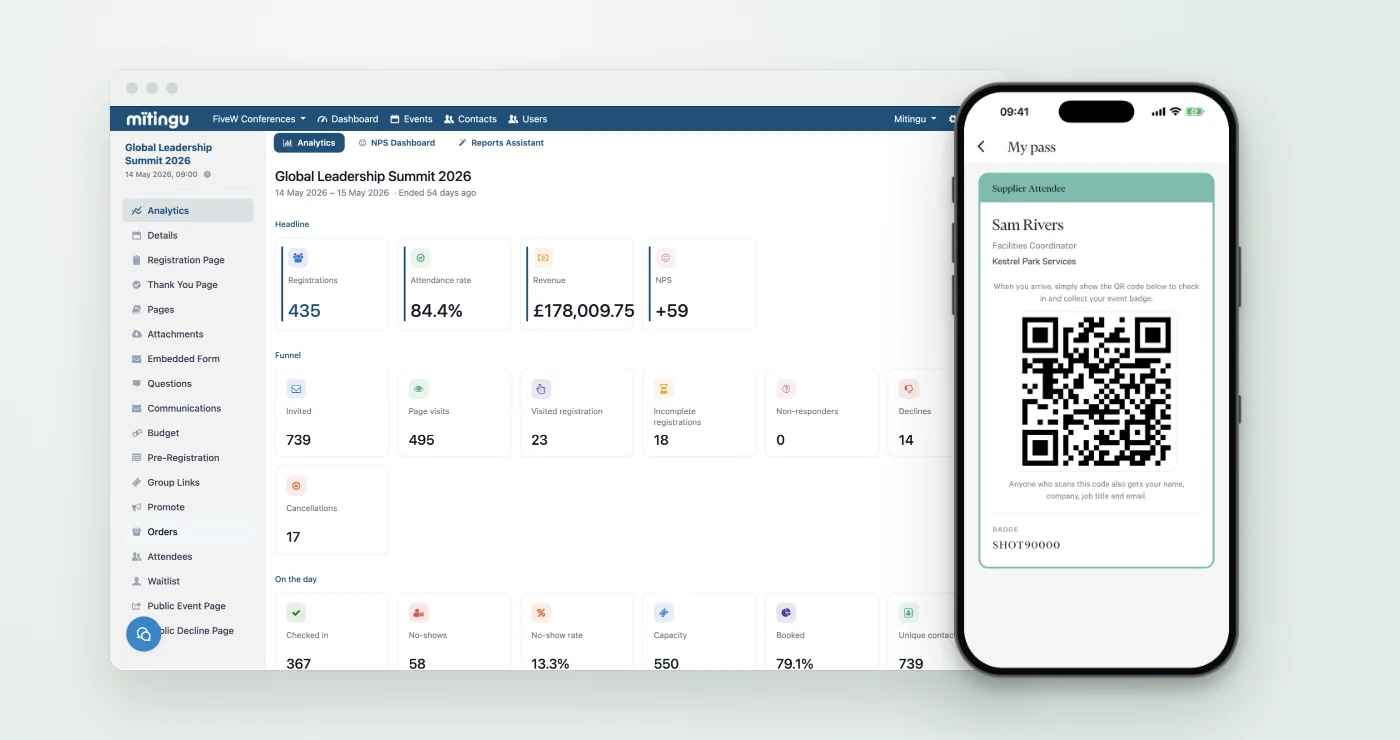
Mitingu runs registration, event emails, the white-label attendee app, onsite check-in and exhibitor lead capture on one platform. Attendees get a QR pass when they register; exhibitors capture leads and score them hot, warm or cold as they scan, and those leads sit in the same data as registrations, attendance and app activity, so reporting on what the event delivered doesn't start with merging spreadsheets. If you'd like to see how it works for your events, wherever they are, book a demo.