Every event registration demo starts the same way. Someone builds a form, adds a logo, clicks Register, and a confirmation email arrives. Very tidy. Everyone nods.
The trouble is that the form is the easy bit. The hard bit starts a fortnight later, when a third of your attendees have changed something. Someone's PA has registered them twice. A delegate has left the company and wants to send a colleague in their place. The Tuesday workshop is full and the Wednesday one is empty. Finance wants to know who has paid. And the venue needs final numbers by Friday, broken down by dietary requirement, in a format nobody has used since 2019.
That's what an attendee registration system is for. Not collecting names, but keeping one accurate list of who's coming, what they've chosen and what they need, all the way from the invitation to the report. Here's what to check.
1. Who can register, and how do they get in?
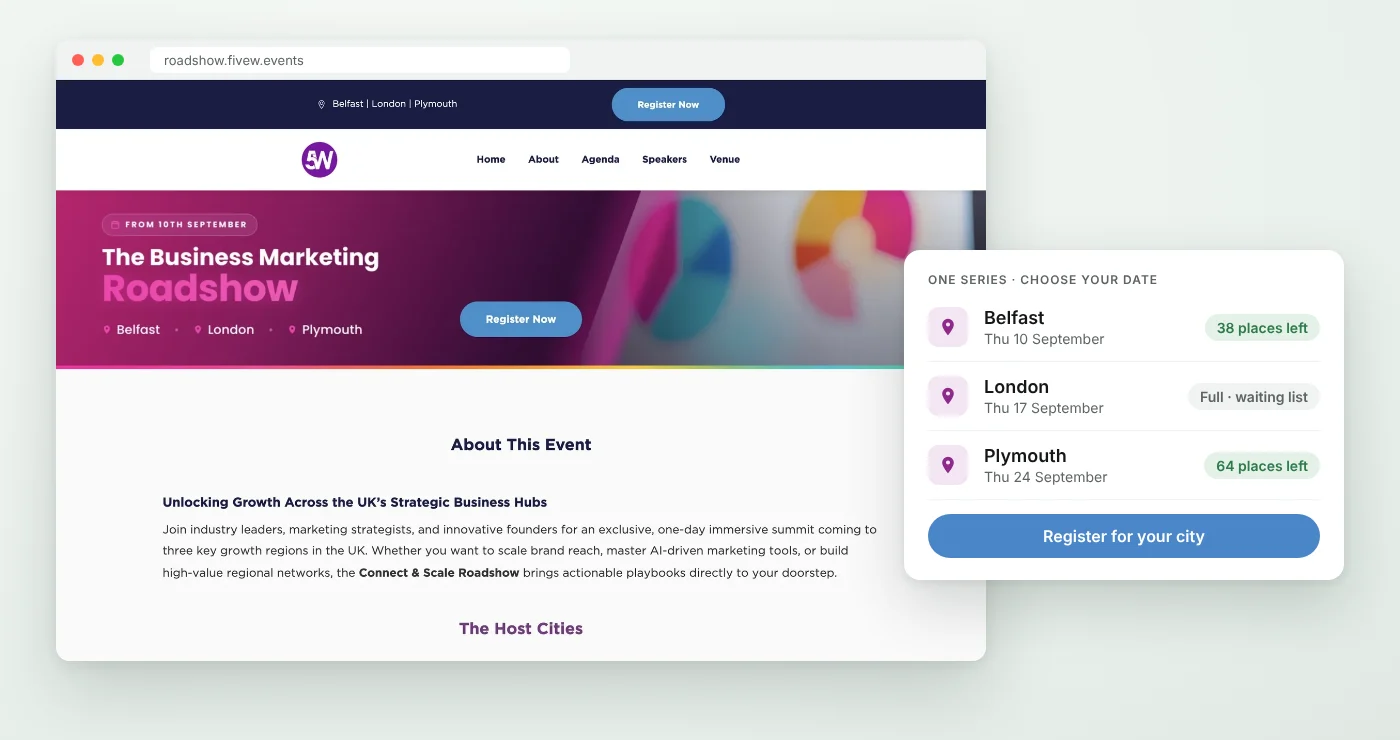
Not every event is "anyone with the link". Corporate events in particular tend to be a mix: an open conference, an invite-only dinner on the first night, an internal session for staff only, and a partner track with its own price.
Check that the system can handle public, private, invite-only and internal events without you building four separate sites. Can you send personal invitations that pre-fill what you already know about someone, so the CEO's guest isn't asked for their job title? Can you stop people forwarding the link to half their department? And can different types of attendee (delegates, speakers, sponsors, staff) see different questions and options on the same event?
2. What happens when people change their minds?
They will. Allow for it.
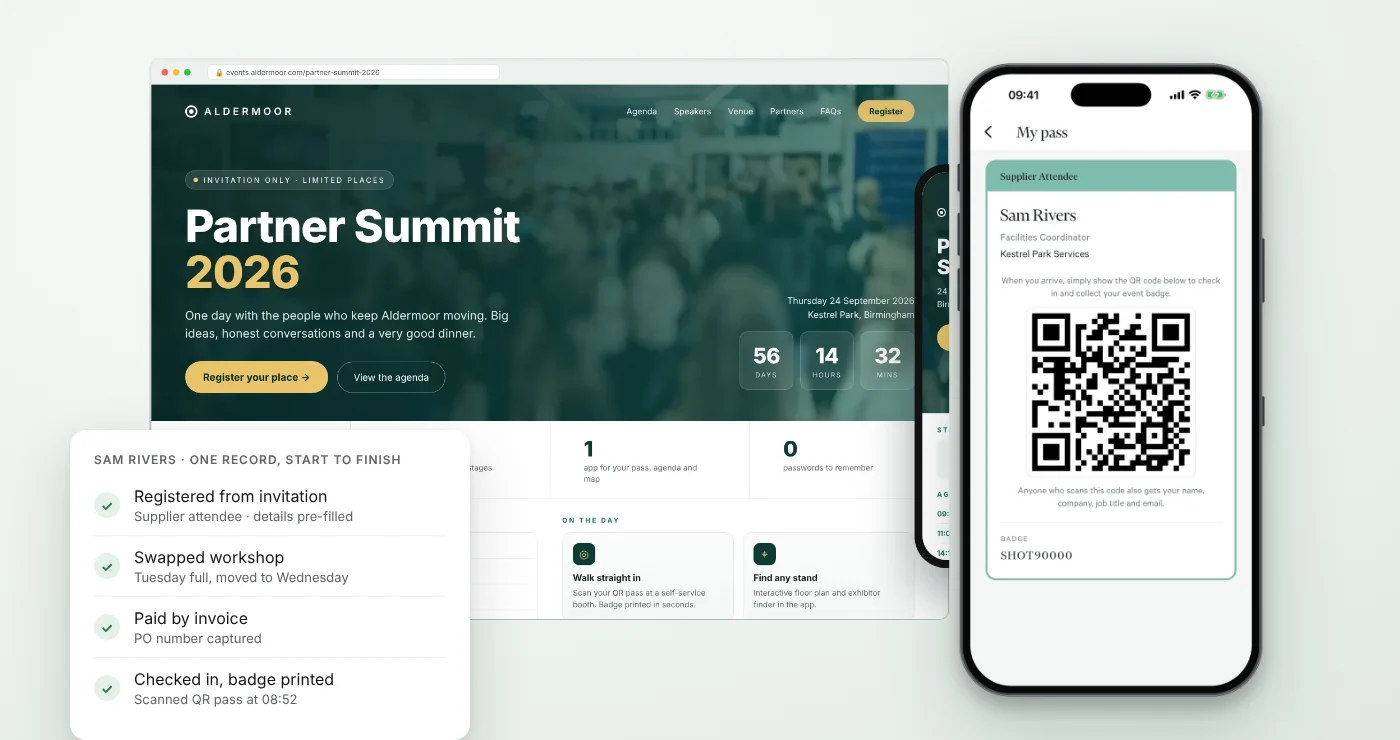
Can attendees update their own details, sessions and dietary needs from their confirmation email, without emailing you? Can they cancel, and does that free their place for someone on a waiting list? Can a company swap one delegate for another without the new person registering from scratch (and without you losing the record that the place was paid for)? Can you spot duplicates before they turn into two badges, two hotel rooms and two awkward conversations at the desk?
Every change an attendee can make themselves is an email you don't have to answer.
3. Sessions, rooms and capacity
If your event has breakouts, workshops or seminars, the registration system needs to know how many seats each one has, and stop taking bookings when it's full. Ask whether attendees can choose sessions when they register and change them later, whether places update live, and whether the agenda in the event app shows the same numbers. A workshop for 40 with 63 people booked is a problem you want to discover in October, not at 10.15 on the day.
4. Payment, and the people who pay
If you charge for places, the question isn't just "does it take cards?". Corporate attendees often can't pay by card at all. Look for card payment, bank transfer and invoices, a way to capture purchase order numbers, and the option to take a deposit now and the balance later. Find out who sends the invoices and receipts, and whether finance can see who has paid without asking you for a spreadsheet.
5. Travel and accommodation
If your attendees need hotel rooms, booking them as part of registration saves a surprising amount of chasing. One question, one list, and the hotel gets accurate numbers. The alternative is a separate form, a separate list and a fortnight of reconciling the two.
6. Communications that know who they're talking to
Registration and event emails should come from the same list. Then the reminder only goes to people who are actually coming, the joining instructions only go to people who booked the workshop, and the person who cancelled on Monday doesn't get "we can't wait to see you!" on Tuesday.
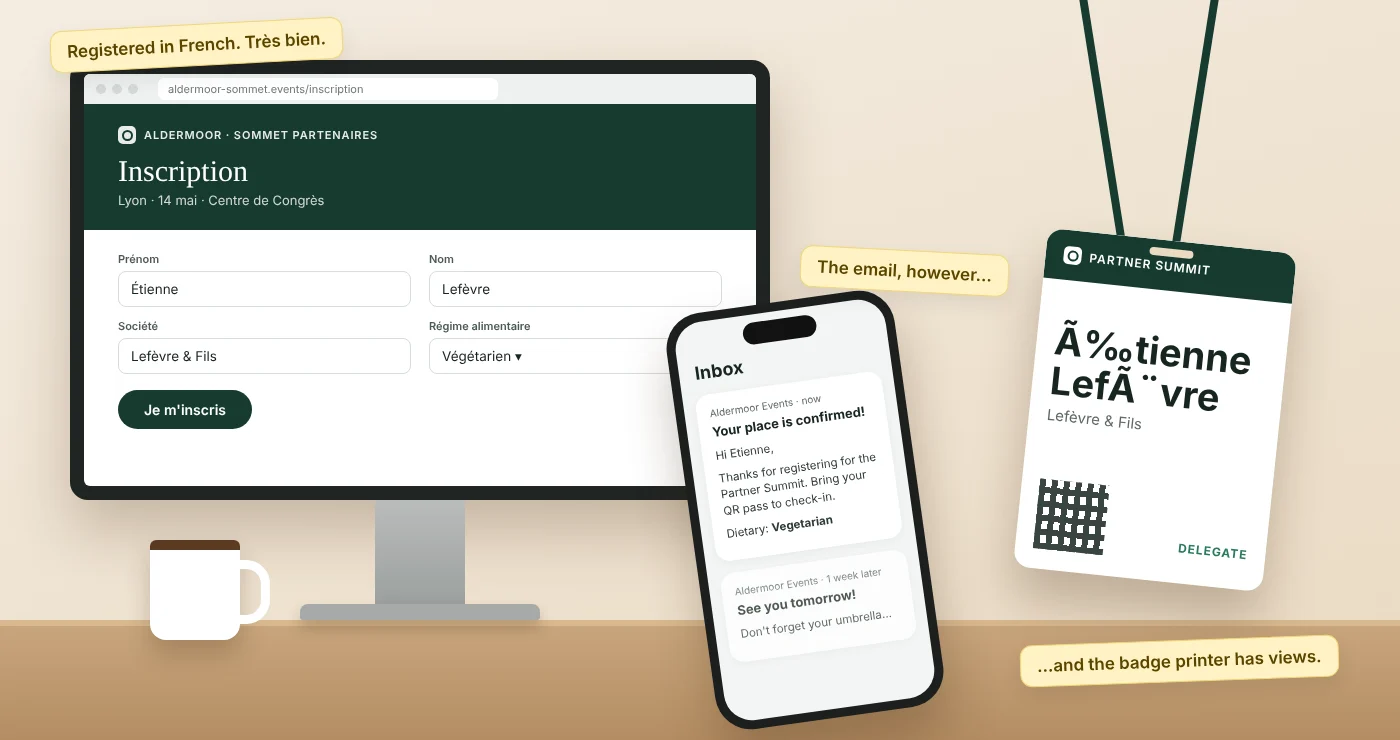
Check that you can segment by anything you've asked in the form (ticket type, session, region, dietary need), that emails carry your brand rather than the supplier's, and that you can see who opened what. If your audience spans countries, check whether forms, emails and event pages can run in other languages. We've written about multilingual registration separately.
7. The day itself
The best test of a registration system is the queue at 8.55am.
Does check-in work from the same live list as registration, or does somebody export it at midnight and hope nothing changes? Can attendees scan a QR code and get their badge printed, so your staff are free for the people who need help? Can the desk register a walk-in, or fix a misspelt name, in the time it takes them to take their coat off? And what happens if the venue Wi-Fi gives up? Our article on self-service check-in and badge printing goes into this properly.
8. Proving the event worked
After the event, someone will ask how it went. The answer should not take a week.
Check whether you can see registrations, attendance, no-shows, session bookings, email activity and feedback for one event in one place, and compare events with each other. "We had 400 registrations" is fine. "We had 400 registrations, 340 came, the regional sessions were full and the late invitations converted worst" is the kind of answer that gets next year's budget approved.
9. Data, access and the forty-question security questionnaire
Sooner or later, your IT or procurement team will ask where attendee data lives, who can see it and how long it's kept. Ask the supplier for straight answers before you sign, not after. Can you control who on your team (and which agencies or suppliers) can see which events? Can you delete or export an attendee's data when asked? The answers will matter more than any feature on the demo.
A short checklist for demos
- Ask the supplier to show the second week of registration, not the first five minutes: changes, cancellations, substitutions and duplicates.
- Public, private, invite-only and internal events from one system.
- Session capacity that updates live, in registration and the app.
- Card, bank transfer and invoice payments, with deposits if you need them.
- Hotel booking inside registration.
- Emails segmented by what people chose, in your brand.
- Check-in and badge printing from the same live list.
- One report covering registration, attendance and feedback.
- Clear answers on data and access.
How Mitingu helps
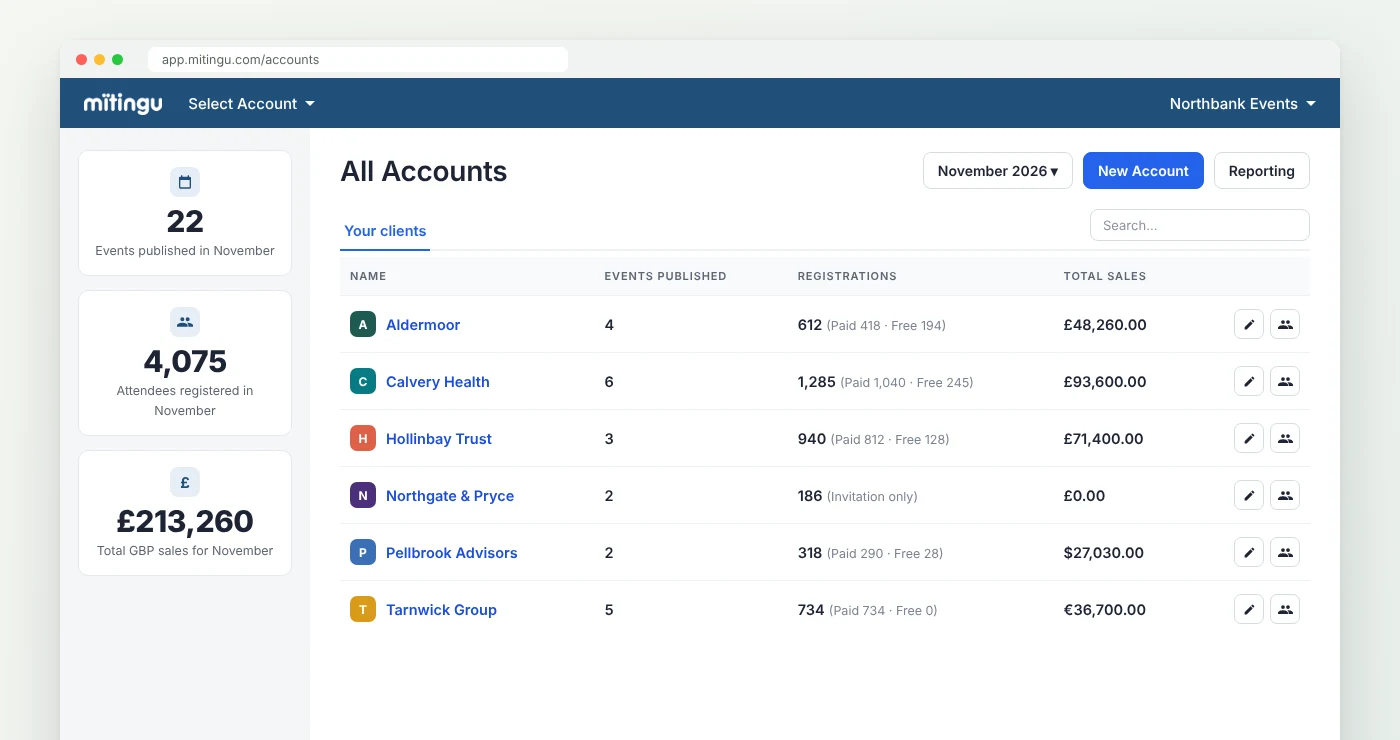
Mitingu is an event registration and operations platform for corporate event teams and agencies, built and supported in the UK and used for events across the globe. It handles public, private, invite-only, internal and paid events, takes payment by card, bank transfer or invoice (in full, or a deposit now and the balance later), and can include hotel booking as part of registration. Attendees book seminars with live places, and invitations, confirmations, reminders and follow-ups are personalised and segmented from the same attendee list, in your brand and in 40+ languages. On the day, self-service booths print each badge when the attendee scans their QR pass, and staffed desks work from the same live list. Afterwards, reporting covers registrations, attendance, app activity, seminar bookings, communications and NPS. If you'd like to see it with one of your own events, book a demo.