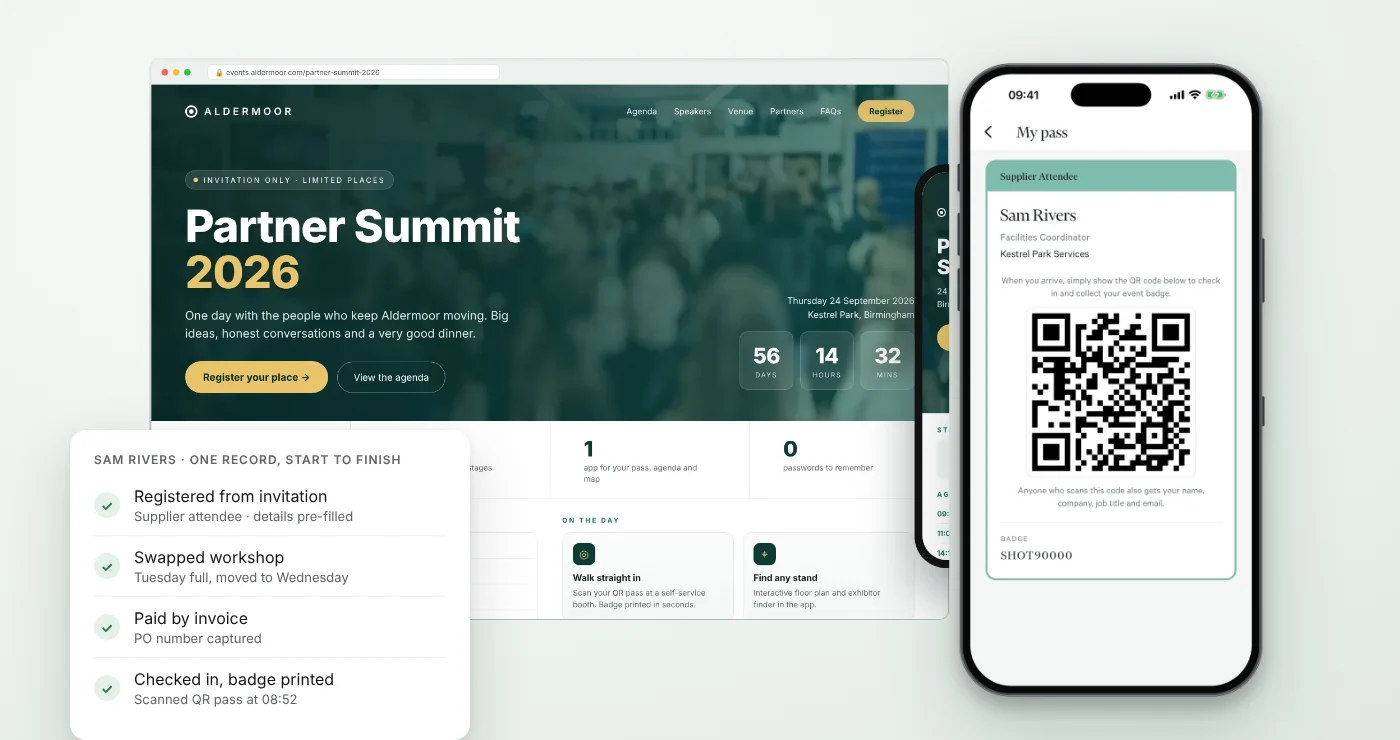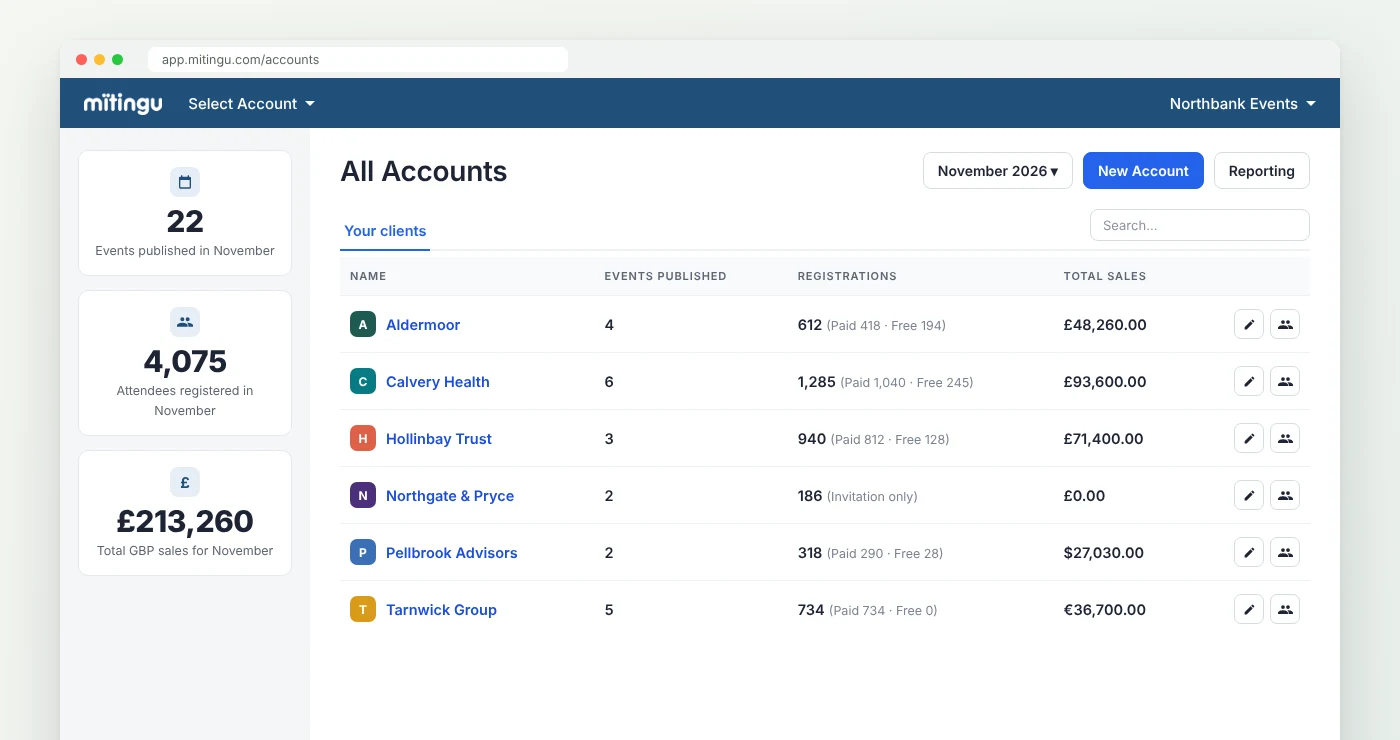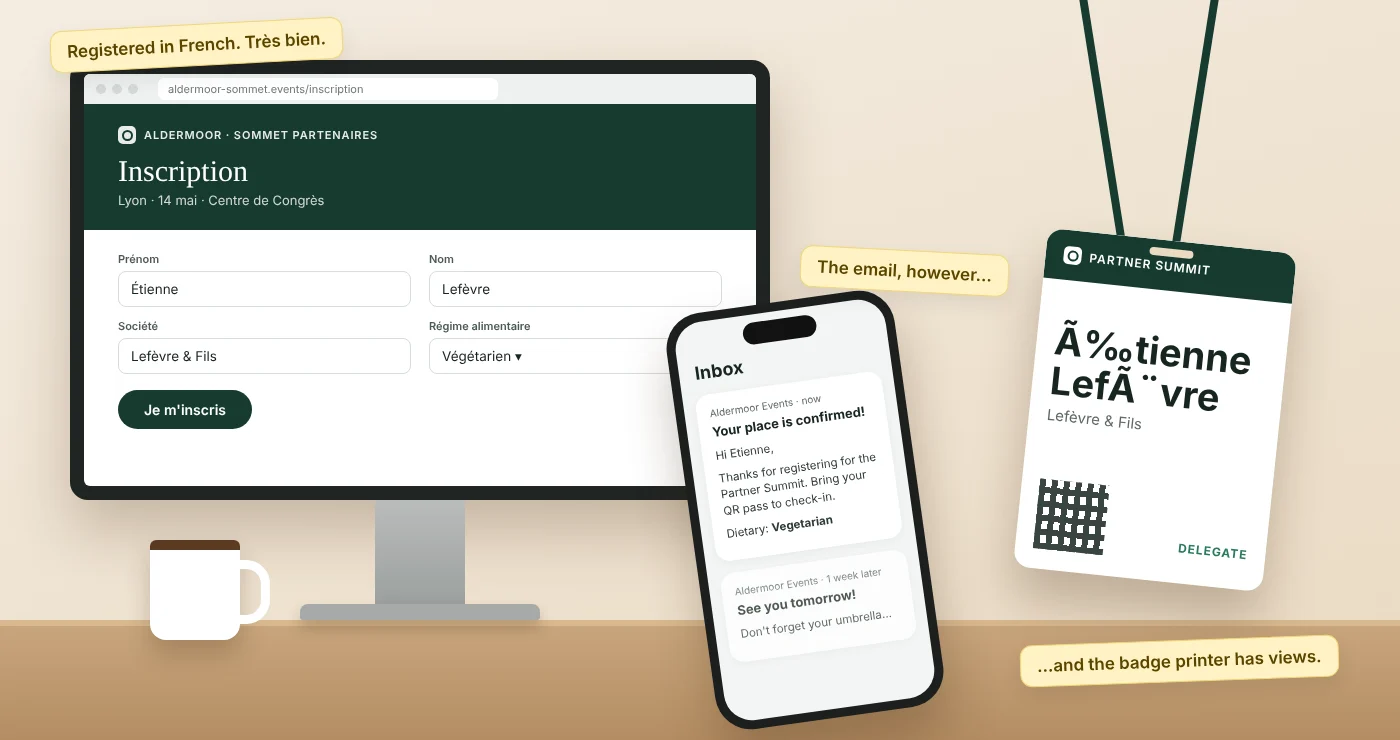
The first stop is fine. It's the fourth that hurts.
The first date of a roadshow gets everyone's attention. The site is checked twice, the emails are signed off, the check-in desk is rehearsed. By the fourth city, the person who built the original form is on leave, someone in the regional office has made "a quick copy" of it with last year's logo, the reminder email still says Manchester when you're in Munich, and the venue has been sent a list that doesn't match the one on the door.
None of these are big mistakes. Together they make a polished programme look like six slightly different events run by six slightly different companies, and that's exactly what a roadshow is meant to avoid.
The fix is mostly about how you set registration up at the start. Here's what to think about.
1. Decide what's fixed and what's local
Before anyone builds anything, write two short lists.
Fixed for every stop: the branding, the core registration questions, the privacy wording, the tone of the emails, the check-in process, and the questions in the feedback survey. These are what make it one roadshow.
Local to each stop: date, venue, address and travel notes, the agenda and speakers, capacity, any local partner or sponsor, and possibly the language.
Everything on the first list should be set once and protected. Everything on the second list should be easy to change for one stop without touching anything on the first list. If your registration set-up can't separate the two, you'll spend the whole roadshow checking that nobody has "improved" the privacy notice in Lisbon.
2. Build it once, then add the dates
The quickest way to six inconsistent events is to build six events.
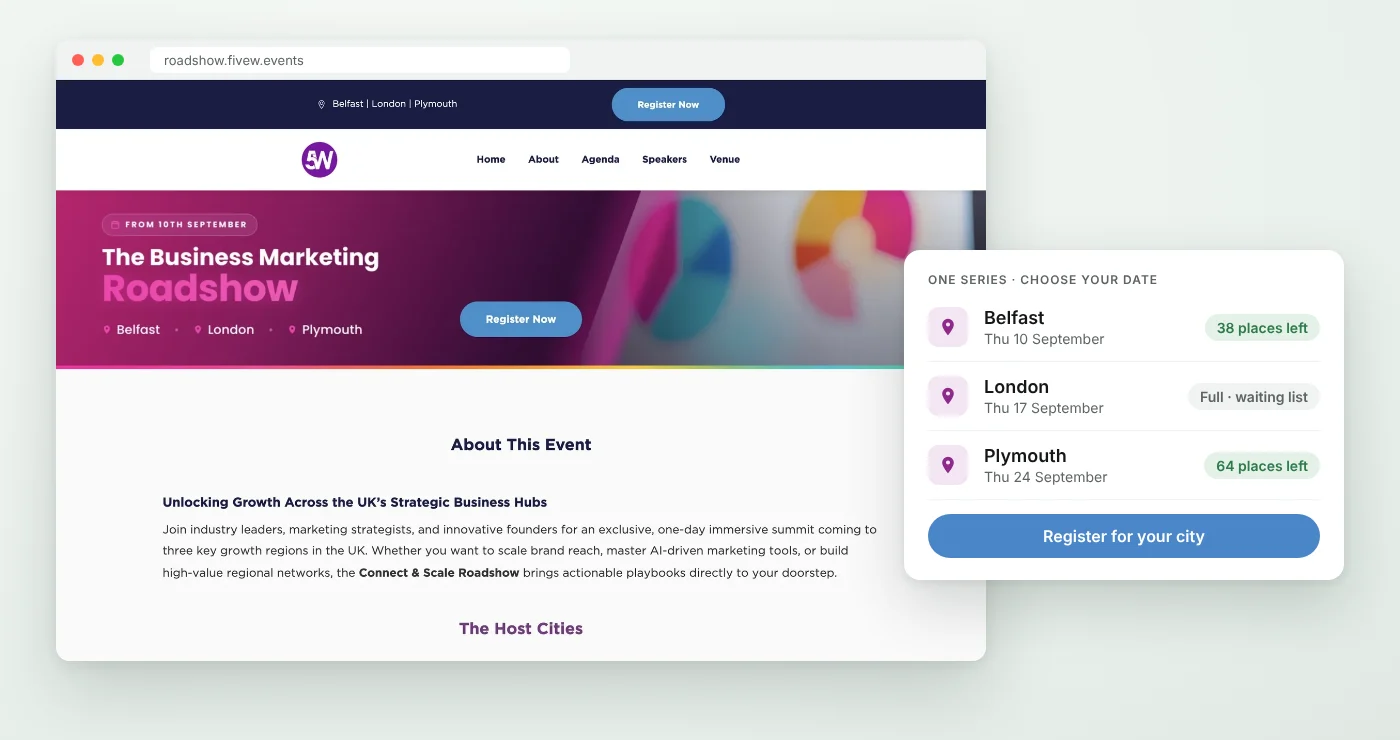
Many registration platforms now have an event series (or "multi-date") feature built for exactly this. You build the event once (the site, the form, the emails, the branding) and then add each date and venue to it. Attendees come to one registration site, pick their city, and everything you set once stays the same for every stop. When you fix a typo or update the privacy wording, you fix it once.
If you're comparing platforms, ask how their series feature handles the local list from point 1:
- Can each date have its own capacity, and close when it's full without closing the others?
- Can the venue get an attendee list for its own date only?
- Does check-in on the day work for that stop's attendees?
- Can you report on each stop and on the series as a whole?
- If a stop runs in another language, can that date's pages and emails switch language?
If your platform doesn't have a series feature, the fallback is a template: build the first stop properly, test it end to end (register, change your details, cancel, check in, give feedback), and copy it for every later stop, changing only the local details. It works, but every fix afterwards has to be made six times, so keep a short list of what's been changed and where.
3. Make the invitation match the stop
People register for a roadshow because it's coming to them. So the invitation should lead with their city, their date and their venue, not a list of eight dates for them to scan.
If you're inviting from a central list, segment it by region before you send, and point each group at their nearest stop. Keep a short line at the bottom for people who'd rather travel to a different date; some will, and with one registration site that's easy for them. And if your roadshow crosses borders, decide which stops need registration, emails and event pages in the local language. We've written separately about running multilingual registration without making a mess of it.
4. Emails: write them once, schedule them per stop
A roadshow has the same email sequence repeated with different dates: invitation, confirmation, reminder a week before, joining instructions the day before, and a thank-you with the survey afterwards. Write each one once, with the city, date, venue and agenda pulled in for each attendee's stop, then schedule the sequence around each date.
Two things to check on every stop before it goes out: the joining instructions (venue address, parking, nearest station, what time doors open) and the sender name. "Reply to this email if you can't make it" is not much use if the reply goes to someone in head office who has never heard of the Bristol date.
5. Check-in that travels
Onsite is where roadshows feel the difference between a good set-up and a bad one, because every venue is new, the Wi-Fi is an unknown quantity and the team is often small.
Check-in should work from the same live list as registration, so the person who registered at 11pm last night is on the list in the morning. Attendees should have a QR pass in their confirmation email so they can check in quickly (and, if you're printing badges onsite, get their badge printed as they scan). Someone at the desk should be able to add a walk-in or correct a name in seconds. And you need a plan for a venue with poor connectivity, tested before the first stop, not discovered at it. Our article on self-service check-in and badge printing covers sizing and testing in more detail.
A small habit that pays off: after each stop, the onsite lead writes three lines on what went wrong and what to change. Fix it in the series (or the template) before the next stop, so the fix carries forward and isn't just remembered by whoever was there.
6. Local teams need access, not the keys to everything
Many roadshows are run with help from regional offices, partners or an agency. They need to see and manage their stop: who's registered, who's checked in, the local agenda. They don't need to edit the master set-up, see every other city's attendee data or send emails to the whole list.
Ask your registration system how permissions work before the roadshow starts. Can you give a regional team access to what they need for their stop? Can head office still see everything? If the answer involves sharing one login, it's not really an answer.
7. Report as a series, not as six events
The question at the end of a roadshow is rarely "how did Leeds go?". It's "which cities are worth going back to?". So plan the report before the first stop, and make sure every stop collects the same data in the same way: registrations, attendance, no-shows, where registrations came from, and the same feedback questions. (Running the roadshow as one series makes this much easier, because the questions can't drift between cities.)
Then you can put the stops side by side. A city with lots of registrations and a 50% no-show rate tells a different story from a smaller city where everyone turned up and the feedback was excellent. If you can see that by region, by audience type and by invitation source, next year's roadshow plan more or less writes itself.
A quick roadshow registration checklist
- Fixed and local elements agreed before the first build.
- One event series with each date and venue added to it (or, failing that, one fully tested template copied for every stop).
- Capacity, venue lists and check-in handled per stop.
- Invitations segmented by region and leading with the local date and venue.
- Emails written once, with stop details pulled in automatically, and scheduled around each date.
- Local language where you need it.
- Check-in from the same live list, with a QR pass and a plan for poor Wi-Fi.
- Permissions that give local teams what they need for their stop and nothing more.
- The same report and feedback questions for every stop, compared at the end.
How Mitingu helps
Mitingu is an event registration and operations platform for corporate event teams and agencies, built and supported in the UK and used for events around the world. For a roadshow, Mitingu's Event Series lets you build the event once and add the dates and venues to it, so attendees always come to one registration site and every stop carries the same branding, questions and wording. Each date has its own capacity, so a full city closes without closing the rest, and you can report on each stop as well as on the series as a whole. Reusable templates and shared brand controls keep events on brand whoever builds them, and the AI Event Builder can draft a branded site, registration and emails from a plain-English description. Regional teams can be given access through user permissions while the central team keeps the view across the whole programme. Event sites and emails can run in 40+ languages, communications are personalised and segmented from the same attendee list, and payment can be taken by card, bank transfer or invoice if you charge. On the day, self-service booths print each badge when the attendee scans their QR pass and staffed desks work from the same live list, with an offline option. Afterwards, reporting covers registrations, attendance, communications and NPS, and you can compare events, audiences and offices side by side. If you're planning a series of events and would like to see how it would work, book a demo.